If you’ve tried Basecamp’s hunting app and hit dead ends, you’re not alone. Many hunters find the interface clunky and the offline maps spotty.
What you really need is a tool that shows your location on a clear map, lets you tap a spot and instantly see the WMU, and works without cell service. That’s the sweet spot for any back country hunt.
One solid replacement is a dedicated hunting map app that layers satellite imagery, topographic lines, and Crown Land borders in one view. You can preload the area you plan to cover, drop waypoints for good stands, and watch your GPS dot move as you trek.
Here’s a quick checklist to test any Basecamp alternative:
First, download offline maps for the whole region before you leave the house. Second, make sure the app can show WMU boundaries with a single tap. Third, look for a way to add custom waypoints and notes. Fourth, check that the map updates with the latest season dates.
If you follow those steps, you’ll avoid the surprise of crossing a property line or hunting in the wrong season. You’ll also save time that would otherwise be spent flipping a paper map or calling a friend for directions.
For a ready made comparison of top map apps, see Best Hunting Map App: Top Picks for 2026 and pick the one that fits your style.
Start by mapping your hunt on paper, then load the same area into the app. Walk the trail, watch the blue dot, and confirm you stay inside the legal zone. That simple loop turns planning frustration into confidence.
Step 1: Identify Your Project Management Needs
Before you pick a new tool, you have to know what you actually need from it.
Think about the hunt itself: Do you trek for days with no signal? Do you need to see land borders instantly?
Also think about the device you’ll carry. A low‑battery phone will die fast if the map is heavy, so a lean app wins.
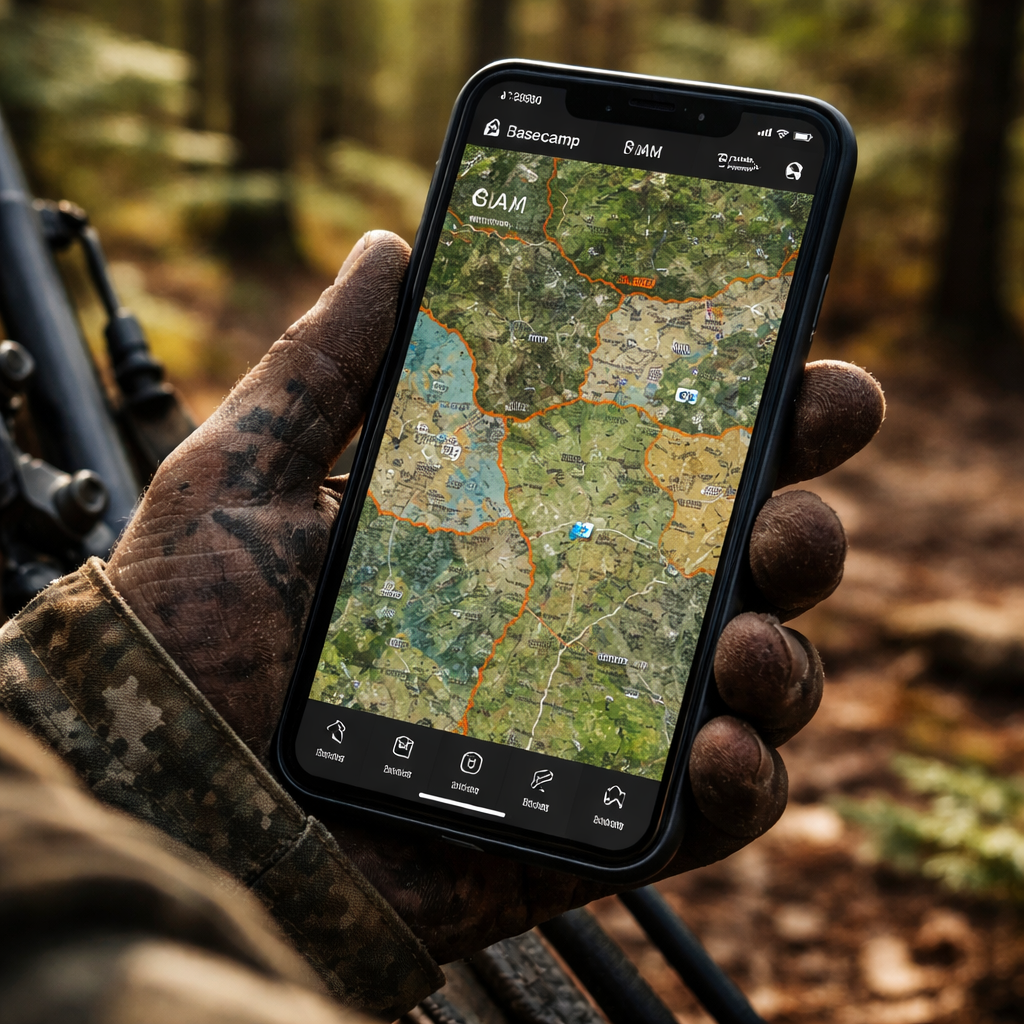
Write down the top three things you can’t live without – offline maps, quick WMU lookup, and the ability to drop custom waypoints. The fewer taps, the better when you’re moving fast.
Next, rank those needs. If you can’t get a map offline, the app is dead for backcountry trips. If you can’t add notes, you’ll lose stand info.
Grab a notebook and sketch your ideal workflow. Mark where you need real‑time GPS, where you’ll add notes, and where you’ll check season dates.
Now match your list to the features each app offers. Look for a simple tap‑to‑show boundary button and a clear GPS dot that stays bright in thick canopy.
Ask yourself: will the app sync my waypoints across devices, or do I have to export a GPX file every time? Simpler is usually better when you’re on the move.
Finally, set a test day. Load the same area you planned on paper, walk a short trail, and watch the app keep you inside the legal zone.
If the app passes these checks, you’ve identified the right fit and can move on to the next step with confidence.
Keep this checklist handy on every trip. When you pull out the phone, run through the list fast and you’ll stay focused on the hunt, not the tech glitches.
Step 2: Evaluate Key Features in Hunting Apps
Now that you have a short list, it’s time to dig into the features that really matter.
First, check offline map support. You should be able to download the whole hunting area before you leave the house and still see topography, trails, and water sources without a signal.
Second, test the WMU lookup. Tap any point on the map and the app should instantly show the WMU number and season dates. If it takes a few seconds or shows the wrong zone, you’ll waste time in the field.
Third, look at waypoint tools. Can you drop a pin, add a note, and tag it with a color? A good app lets you export those points later, so you can review what worked after the hunt.
Battery use is another make‑or‑break factor. Some apps drain fast because they keep the GPS on high accuracy all day. See if there’s a “low power” mode that still tracks you accurately.
Don’t ignore the UI. If the screen is cluttered, you’ll stare at it while the deer moves. A clean layout with large icons works best when you’re wearing gloves.
Finally, verify pricing and updates. Free versions may lock key layers behind a paywall. Look for a clear upgrade path and regular map updates.
Also scan the community forums or review section. Real users will flag bugs like map mis‑alignments or slow WMU lookups, letting you avoid hidden problems before you buy.
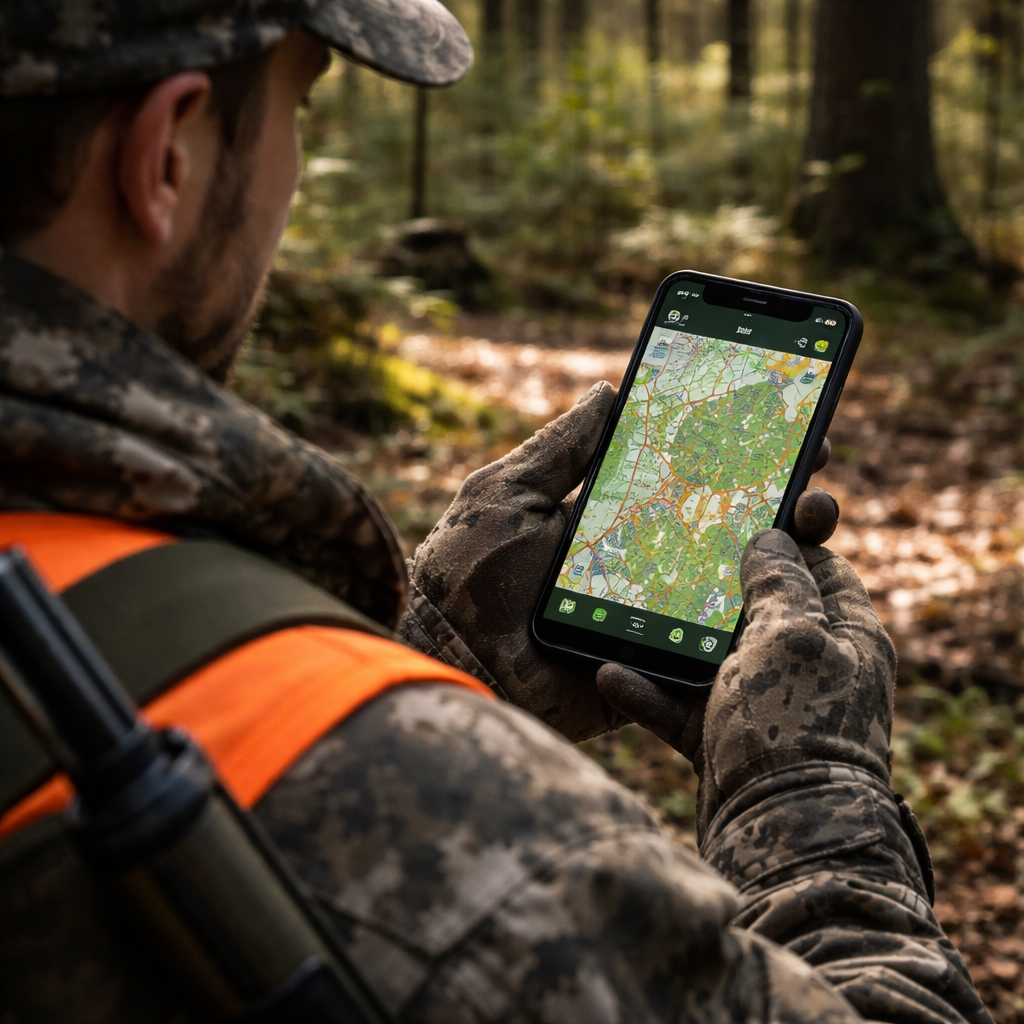
When you’ve narrowed it down, do a quick 30‑minute field test. Turn on airplane mode, load the map, and walk a short loop. If the app stays accurate, you’ve found a solid basecamp hunting app alternative.
To see a side‑by‑side comparison of the top picks, check out the best hunting app guide that ranks each tool by offline ability, WMU support, and battery life.
Step 3: Compare Top Alternatives to Basecamp
Now that you’ve tested a few apps on the trail, it’s time to line them up side by side. Seeing the facts on a table helps you skip the guess work and pick the tool that fits your hunt.
First, ask yourself what matters most: offline maps that stay sharp, instant WMU look‑ups, or a low‑power GPS mode that won’t drain your phone. Write those needs down, then match each app to the column that answers them.
Here’s a quick snapshot of three popular choices. All of them let you download maps, tag waypoints, and show WMU borders, but they differ on battery tricks and price.
| App | Offline Maps | WMU Lookup | Battery Saver |
|---|---|---|---|
| HuntScout | Full region download, auto‑update | Tap any point, get zone and dates instantly | Low‑power GPS toggle |
| Cairn | Layered topo + satellite, manual download | Shows WMU after a quick refresh | Background GPS pause option |
| MyHunt | Limited area, pay‑per‑download | Displays WMU with a pop‑up card | No dedicated mode, but uses low‑accuracy GPS by default |
Notice how HuntScout offers the most complete offline package and a built‑in power saver. If you hunt long days without a charger, that might be the safest bet. Cairn gives you more map layers if you like to see terrain details. MyHunt works if you only need a small area and want to keep costs down.
So, what should you do next? Take the table, rank each feature by how important it is to you, then give the top‑ranked app a 30‑minute field test. Turn on airplane mode, load the same area you mapped on paper, and watch the blue dot stay inside the legal zone.
Need the full side‑by‑side guide? Check out the full map app comparison for more details on pricing, updates, and user ratings.
Step 4: Test and Choose the Best Alternative
Now you’ve narrowed it down to a few apps, it’s time to put them to the test. The goal? Find the one that feels right on the trail, not just on paper.
Set up a quick field trial
Pick a familiar hunting area – the same spot you mapped on paper. Load the same map file into each app. Turn on airplane mode so no data sneaks in.
Walk a short loop, maybe a mile or two. Watch the blue dot. Does it stay inside the WMU borders you saw on the map? Does the battery drain fast? Note any lag or mis‑places.
Score the basics
Use a simple checklist: offline map loads, WMU lookup speed, waypoint accuracy, battery saver mode, UI clarity.
Give each point a 1‑5 rating. Add up the totals. The highest score usually points to the best fit.
What if two apps tie?
Think about your hunting style. Do you hunt long days without a charger? A built‑in low‑power GPS toggle might win. Prefer extra terrain layers? The app with layered topo may edge out.
Run a second, longer test if you’re still unsure. A few extra hours in the woods will reveal which app holds up.
Make the final call
When the scores are in, pick the app that gave you confidence, not frustration. Install it on your phone, sync your waypoints, and you’re ready for the real hunt.
Need a deeper dive into each app’s pricing and update schedule? Check out the best hunting GPS app guide for more details.
Conclusion
You've walked through a simple way to pick a basecamp hunting app alternative that works offline, shows WMU borders, and lets your crew stay in touch.
Score each app on the features you need, add the price, and total the numbers. The highest total points you to the tool that fits your hunt.
If two apps are close, run a quick test on a short trail. The one that feels smoother on the trail wins.
Now grab your phone, load the offline map, and give the top pick a spin on your next outing. A small spreadsheet or a note page is all you need to keep track.
When the numbers line up, you’ll know exactly which app to pack, and you can head out with confidence.
Keep this checklist handy for future hunts. As new apps appear, just plug their scores into the same sheet and repeat the process.
FAQ
What makes a good basecamp hunting app alternative?
A good basecamp hunting app alternative gives you reliable offline maps, clear WMU borders, and a way to share waypoints with your crew without needing a signal. It should run fast, keep the battery low, and let you add notes in just a few taps. If it also respects your privacy and works on the phone you already own, you’ve hit the sweet spot.
Can I use a basecamp hunting app alternative offline?
Yes, you can run most of these tools completely offline once you’ve pre‑loaded the maps for your hunt area. Just open the app, download the region while you still have Wi‑Fi, and then turn off data before you head out. The GPS will still plot your position, and the WMU overlay stays visible as long as the map file is stored on the device.
How do I compare WMU border features across apps?
Start by writing down the exact WMU layers you need – for example, hunting zones, season dates, and property lines. Then open each app’s map screen and tap a known stand to see how quickly the border pops up and whether the label matches the official WMU number. Note any lag, missing labels, or extra steps; those details tell you if the app will save you time in the field.
Is price the biggest factor when picking a basecamp hunting app alternative?
Price matters, but it isn’t the only thing you should look at. A cheap app that drops the map when you lose signal will cost you a missed stand, which is far more painful than paying a few bucks extra for solid offline performance. Weigh the cost against the features you actually need – offline maps, WMU borders, and group chat are usually worth the investment.
Do these apps work on both iOS and Android?
Most modern hunting apps aim for both iOS and Android because hunters use a mix of phones. Before you settle on one, check the app store listing for the exact OS versions it supports – some tools still need iOS 12 or Android 8. If the app works on your device, you’ll avoid the hassle of buying a new phone just to run the software.
How can I test an app before committing to it?
Give each candidate a quick field test before you buy. Load the offline map, turn off data, and walk a short, familiar trail. While you’re moving, see if the GPS dot stays locked, if tapping a spot shows the WMU label instantly, and how fast the battery drains. Write down a simple 0‑2 score for each point – the app with the highest total wins.