Hunters lose tags and miss dates all the time. If you want to stop that, you need a reliable way to see season dates right on your phone. This guide shows you how to track hunting season on phone, from picking the right app to syncing alerts with your calendar. Follow each step and you’ll never be caught off guard again.
Step 1: Choose a Reliable Hunting App
Picking the right app is the first move in learning how to track hunting season on phone. You want maps, weather, and alerts all in one place.
One of the most popular choices is HuntStand. It lets you draw property lines, add food plots, and see wind forecasts. The free version already gives you basic maps, while the premium adds offline data and a 15‑day game movement forecast.
Another solid option is OnX Hunt. It started as a GPS mapper and now offers trail‑camera integration, wind calendars, and offline topography layers. Both apps let you save waypoints so you can mark a stand and come back later.
Here’s a quick table to compare the top three apps that hunters trust in 2025.
| App | Key Feature | Free Version | Premium Perk |
|---|---|---|---|
| HuntStand | 7 base map layers | Basic maps, wind forecast | Nationwide property data, offline maps |
| OnX Hunt | Topography + trail cam | Public land maps | Offline maps, custom routes |
| DeerCast | 14‑day movement forecast | One‑day forecast | Full forecast, expert advice |
And if you want a ballistic edge, the Hornady Ballistics APP adds 4DOF calculations for wind drift. It’s free and works well with any of the mapping apps.
When you’ve settled on an app, download it from the app store and open it while you have Wi‑Fi. This makes the first sync fast.
For hunters who also need to manage gear sales or guide bookings, Zolofy lets you set up a tiny online shop right from your phone. That way you can buy tags or gear without leaving your campsite.
Step 2: Enable Location Services and Notifications
Now that you know how to track hunting season on phone, you must let the app see where you are. Most hunting apps need GPS to show you the right season data for your exact spot.
On iOS, go to Settings → Privacy → Location Services and turn it on. Then scroll to your hunting app and set it to “While Using the App.” Android users tap Settings → Location and toggle it on, then find the app in the list and choose “High accuracy.”
But that’s not enough. You also want push alerts so you get a heads‑up when a season opens or closes.
Open the app’s settings and enable “Season Alerts.” Choose the species you hunt, the WMU you plan to use, and the alert style , banner, sound, or both.
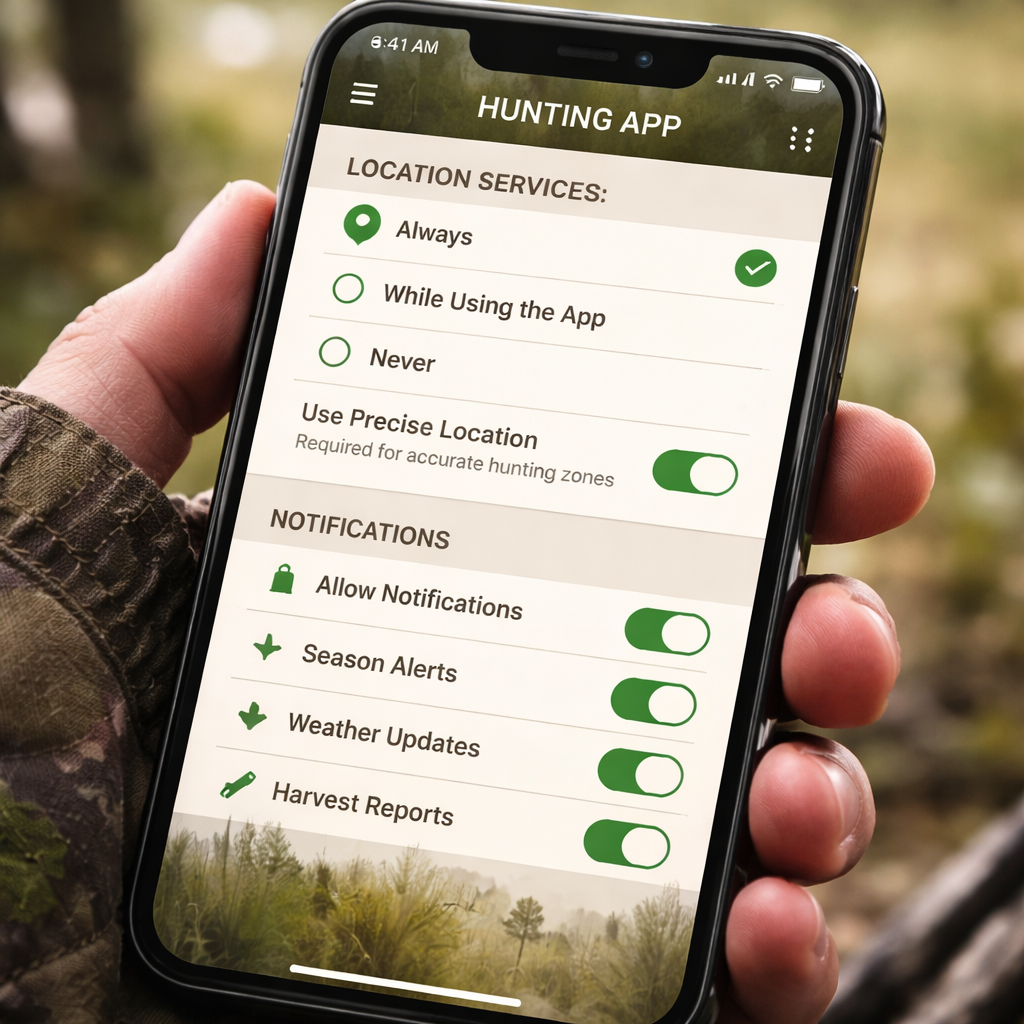
And remember to allow the app to run in the background. On iOS this means turning on “Background App Refresh.” On Android, disable battery‑saving for the app.
Why does this matter? Imagine you’re out in the backcountry and the state adds a new deer draw on short notice. With alerts on, you’ll see a pop‑up the moment the draw opens, and you can file your application right away.
Here’s a short checklist to make sure you didn’t miss a step:
- Turn on GPS and set app to “Always” or “While Using.”
- Enable push notifications for season alerts.
- Allow background refresh to keep data current.
- Test the settings by opening the app and confirming your location shows up.
For a deeper dive on mobile notifications, check out this guide on optimizing hunting apps for alerts.
Step 3: Set Up Season Alerts and Calendar Sync
With location working, the next move in how to track hunting season on phone is to tie alerts to your calendar. This gives you a visual cue and helps you plan trips ahead.
Most apps let you export season dates as .ics files. In HuntStand, tap Settings → Season Alerts → Export Calendar. Save the file and open it on your phone. It will add events for each open date, close date, and even draw windows.
And if you use Google Calendar, simply import the .ics file. You’ll see a blue bar on the days you can hunt. Set a reminder 24 hours before each start date so you can prep your gear.
Here’s a quick video that walks you through the export process.
But don’t stop at calendar sync. Most apps also let you set custom alerts for wind changes or peak movement times. In DeerCast, go to “Hunt Forecast” and tap the bell icon next to the 14‑day outlook. You’ll get a daily push when the forecast hits a “prime” rating.
Why is this useful? Weather can shift the whole hunt. A sudden wind change can make a stand useless. By getting a notification the night before, you can move your spot or change your gear.
Action steps:
- Export the season calendar from your app.
- Import into your phone’s native calendar or Google Calendar.
- Set reminder alerts for each season start.
- Enable custom weather or movement alerts.
- Review alerts weekly to stay ahead.
For more on syncing calendars, see this article on hunting app calendar integration.
Step 4: Verify Dates with State Wildlife Agency Websites
Even the best app can have outdated info. The final step in how to track hunting season on phone is to double‑check the official dates on your state’s wildlife agency site.
Take the 2026 season guide from Birch Hunters. It lists archery deer season starting in September or October 2026 and firearm season opening in early November for many states. It also notes special spring turkey windows and waterfowl flyway dates.
Visit the agency’s web page, find the “Hunting Season Calendar,” and match the dates to what your app shows. If there’s a mismatch, trust the agency , they are the legal source.
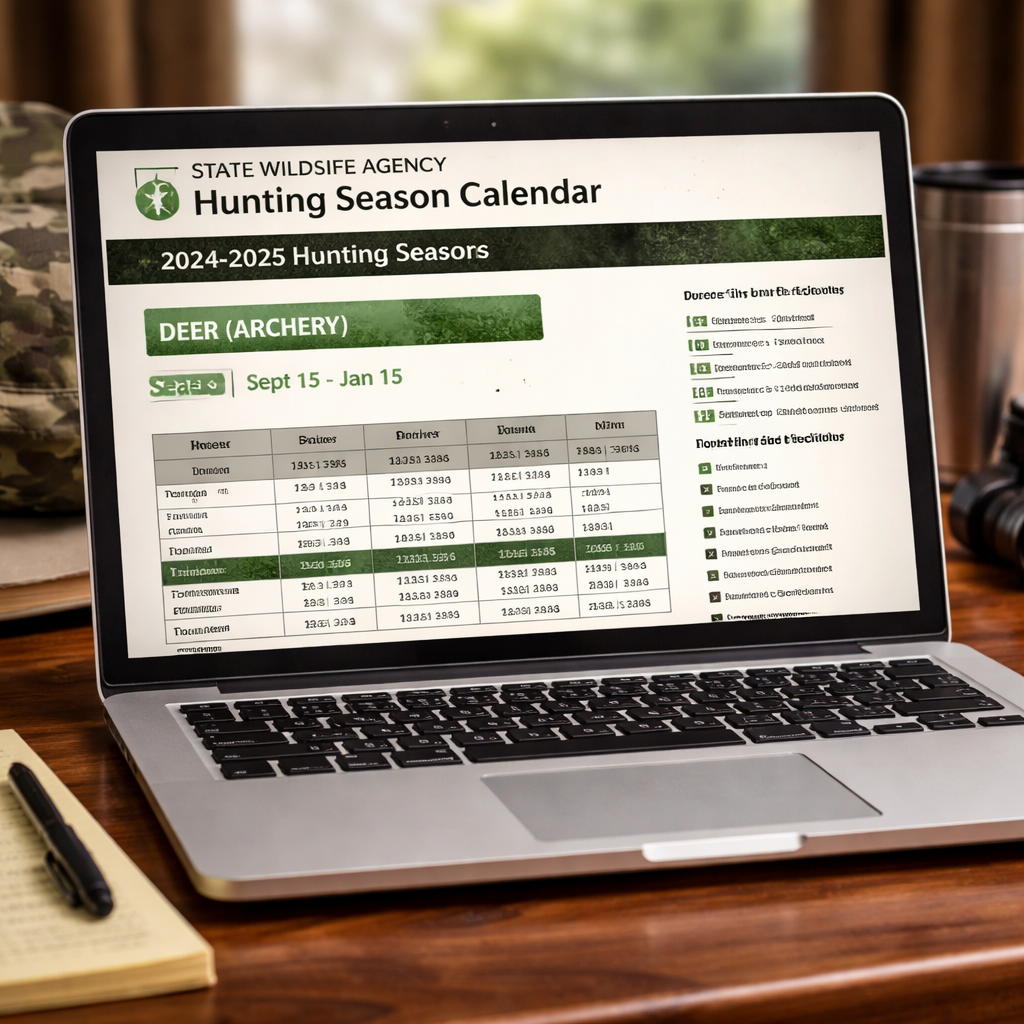
And don’t forget to check for special rules. Some states have Sunday hunting bans or CWD testing requirements that only appear on the agency site.
Here’s a quick tip: bookmark the agency’s season page and set a browser reminder to revisit it a week before each major season opens. That way you catch any last‑minute changes.
When you compare, you’ll notice the app’s season color codes line up with the agency’s dates. If they differ, update the app manually or wait for the next sync.
For more details on state‑by‑state dates, see the full guide at 2024‑2025 U.S. Hunting Season Guide.
If you need to file a draw application, remember many western states require you to apply as early as January. Mark those deadlines in your calendar.
Conclusion
Learning how to track hunting season on phone boils down to four simple steps: pick a solid app, turn on GPS and alerts, sync the season calendar, and always double‑check with the official wildlife agency. Doing all this keeps you legal, saves time, and gives you more chances to be in the field when the game is out.
Take action today. Download your chosen hunting app, enable location, set up alerts, and add the official season calendar to your phone. You’ll walk into the woods with confidence, knowing you won’t miss a single opening.
FAQ
How do I know which hunting app is best for me?
Start by listing the features you need: offline maps, wind forecasts, or draw alerts. HuntStand and OnX Hunt both cover mapping, while DeerCast adds movement forecasts. Test the free versions first; the premium upgrades give you deeper data if you need it. Remember to read user reviews for reliability.
Can I use my phone’s GPS without cell service?
Yes. Once you have GPS turned on, the phone can lock onto satellites even without a signal. Make sure you download offline map packs before you head out. This lets you see your exact location on the saved map, which is crucial for staying inside legal boundaries.
What if the app’s season dates are wrong?
Always verify with the state wildlife agency’s website. The agency is the legal source, and they post updates for special rules, Sunday hunting bans, and CWD testing. If there’s a conflict, trust the agency and update the app manually.
How can I get alerts for sudden weather changes?
Most hunting apps include a weather overlay. Turn on “Wind Alerts” or “Weather Push” in the settings. Pair it with a dedicated weather app like Windy for real‑time updates. Set the alert to trigger when wind speed exceeds your comfort threshold.
Do I need to sync my calendar for every species?
It helps to create separate calendar streams for each species you hunt. Export the season file from the app, then label events by species. That way you can see at a glance when deer season opens versus turkey or waterfowl. Use color‑coding for quick visual cues.
How often should I update my hunting app?
Check for updates at least once a month, especially after the state releases new season dates. Updates often fix bugs, add new map layers, or refresh season info. Turning on automatic app updates ensures you never miss a critical patch.
Can I share my season alerts with friends?
Yes. Most apps let you invite friends to a hunting group. They’ll receive the same alerts and can see your waypoints. This is handy for coordinating group hunts and avoiding duplicate trips.
What should I do if I lose internet access in the field?
Make sure all needed map data is saved for offline use. Also, write down the key season dates on a paper sheet as a backup. If your phone dies, a printed list will keep you from hunting out of season.