Finding the right hunting app for BLM lands can mean the difference between a great tag and a wasted day. Most hunters think a simple map is enough, but the truth is a good app bundles maps, rules, and a way to share spots. In this guide you’ll learn how to pick the best hunting app for BLM lands, set it up step‑by‑step, pull offline maps, log your hunt, stay legal, and connect with other hunters.
Choosing the Right Hunting App for BLM Lands
There are a lot of hunting apps out there, but only a few really shine on BLM public land. The first thing to do is match the app’s features to what you need in the field. Below is a quick‑look table that breaks down the most important factors.
| Feature | HuntStand | OnX Hunt | DeerCast |
|---|---|---|---|
| BLM layer color | Yellow shading, easy to spot | Yellow shading, clear legend | Basic BLM overlay, less detail |
| Offline maps | Premium only | Free offline download | Free offline basic maps |
| Wind & weather | Windcast per stand | Wind calendar & forecast | Wind overlay on map |
| Waypoint sharing | Team groups | Share routes via link | Social feed for spots |
Here’s what I mean: if you hunt far from cell service, OnX Hunt’s free offline maps give you a big edge. If you hunt with a buddy crew and want to swap waypoints fast, HuntStand’s team groups are a win. DeerCast is good for a single hunter who just wants a quick weather glance.
Pros of a dedicated hunting app:
- All the data lives on your phone.
- You can see exactly where BLM land starts.
- Regulations update automatically.
Cons to watch out for:
- Some features sit behind a subscription.
- Free versions may lack high‑res satellite.
- Too many layers can slow older phones.
To pick the best one for you, ask these questions:
- Do you need offline maps?
- Will you share spots with a group?
- Do you hunt a single species or multiple?
Answering them narrows the field fast. Once you’ve chosen, the next steps are simple.
Step 1: Register and Set Up Your Account
The first thing you do after downloading the app is create an account. Most apps let you sign up with an email or a social login. Pick a strong password and confirm your email.
And make sure you enable location services. The app can’t show you BLM boundaries if it can’t see where you are.
When you open the app for the first time, you’ll see a short tutorial. Walk through each screen – it usually explains how to turn layers on, how to add waypoints, and how to sync data.
But don’t rush. Take a minute to set your default units (miles or kilometers) and choose the map style you like best – satellite for detail, topographic for contours.
Next, head to the settings page and look for a “subscription” tab. If you plan to hunt on BLM lands often, a premium upgrade will unlock offline maps and the full BLM layer. Many apps offer a free trial – use it to test the BLM shading before you pay.
Finally, add your hunting license info. Some apps let you store your license number so you can pull up the right regulations with a tap.
For a deeper dive on how to manage your account, check out the official guide on the Ontario Crown Land Map for Hunting 2026 - HuntScout. It walks through the exact steps you need to set up your profile and turn on the right layers.
Step 2: Map BLM Public Lands and Download Offline Maps
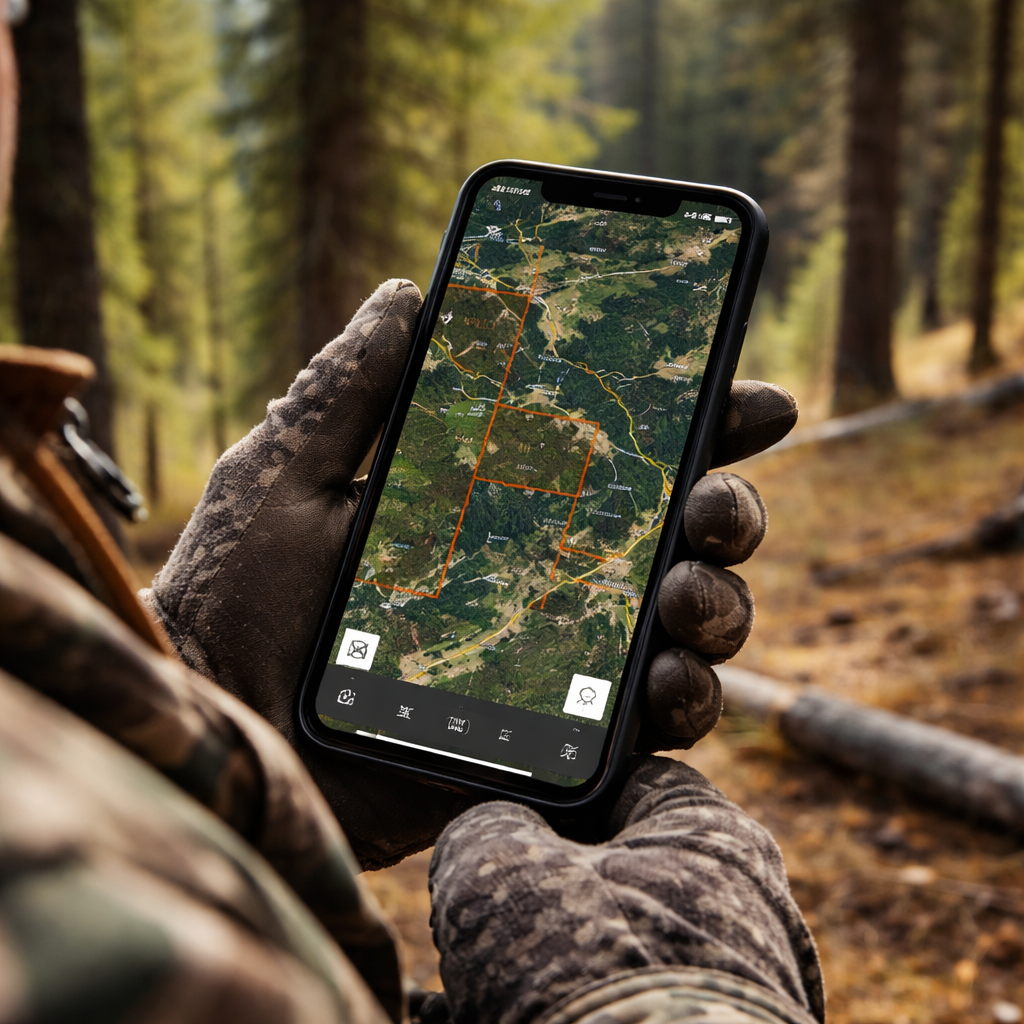
Now that you’re logged in, it’s time to pull up the BLM layer. Open the map menu and look for “Government Lands” or “BLM”. Turn the layer on and you’ll see the public land highlighted in bright yellow.
And you can zoom out until the yellow shading fills the screen – that tells you where the BLM boundary sits. If you don’t see it right away, scroll the legend at the bottom right and make sure the BLM toggle is active.
Next, use the search bar to type in a nearby town or a known BLM unit. The app will drop a pin. Tap the pin and you’ll get the exact coordinates, the acreage of that parcel, and any special notices like fire bans.
But the real magic comes when you download the map for offline use. Most hunting apps have a “Download Area” button in the map settings. Choose the region you plan to hunt – you can select a whole county or just a custom polygon.
When the download finishes, turn off data on your phone. The app will still show your GPS dot on the saved map, so you’ll never lose your way.
Here’s a quick step‑by‑step:
- Open the map menu. \li>Toggle on the BLM layer.\li>Zoom to your hunt area.\li>Tap “Download Offline”.\li>Select “Full Resolution” for the best detail.\li>Wait for the progress bar to finish.
And remember to check the map legend for any temporary closures – BLM lands can have seasonal road blocks or fire restrictions that show up as red hatching.
Once you have the map saved, you can add waypoints for entrance roads, water sources, or good stand locations. Those pins stay with the offline map, so you can navigate even deep in the desert.
For more on public land mapping, see the onX Hunt guide on BLM land layers at onX Hunt BLM Map Features. It explains how the yellow shading works and why the legend matters. The BLM’s own blog also talks about using the Recreation.gov app for land info – BLM Recreation.gov mobile app overview.
Step 3: Log Your Hunt and Track Regulations
When you’re out in the field, the app can do more than just show you where BLM land is. It can log each hunt, note the species you’re after, and pull up the exact rules for that spot.
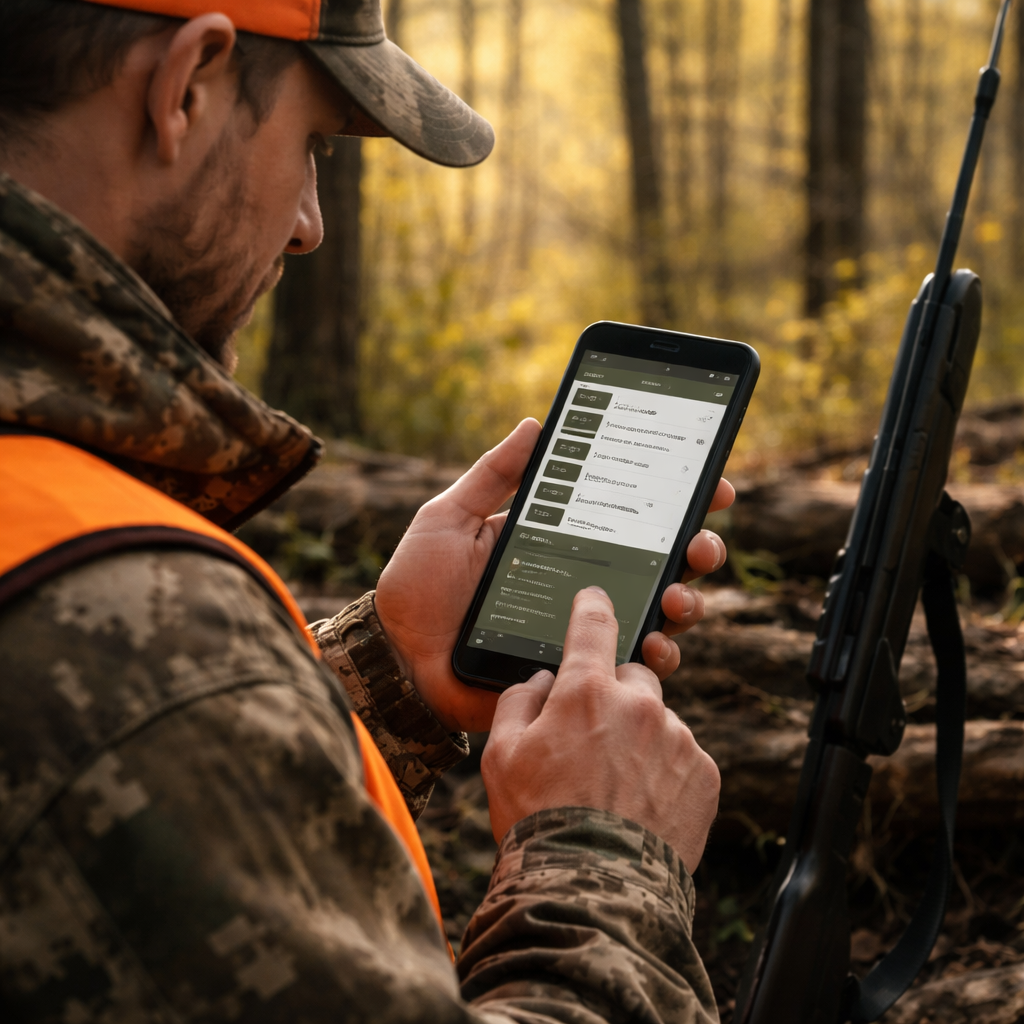
And the first thing you do is tap the “Log Hunt” button. Choose the species, set the date, and add a quick note – like “found a good stand near the creek”. The app stores all that info in a personal log you can review later.
But the real safety net is the regulation tracker. When you drop a waypoint, the app automatically reads the WMU number and shows you the current season dates, bag limits, and any special weapon rules. No need to flip through a PDF.
Here’s how to make the most of it:
- Log every outing, even if you don’t get a tag. The data helps you see patterns.
- Use the “Regulation” tab on each waypoint to see exact rules for that spot.
- Turn on push alerts for rule changes – the app will ping you if a season opens or closes.
For a real‑world example, imagine you’re hunting elk in a BLM unit that opened on September 10. You drop a waypoint on a ridge, the app tells you the season runs until Nov 30, and you see the bag limit of one elk. You stay legal and confident.
And if you use a premium subscription, you’ll get a “game movement forecast” that predicts where elk are likely to travel based on wind and temperature. That can help you set up early in the morning.
To explore the mapping and regulation tools in depth, visit HuntStand’s official site at HuntStand. It shows how the app pulls in BLM boundaries and lets you store trail camera photos. The BLM’s own web‑app gallery also offers interactive story maps that can be imported into many hunting apps – see BLM Web App Viewer for more.
Step 4: Share Your Data and Connect with Other Hunters
One of the best parts of a hunting app for BLM lands is the ability to share spots with a crew. After you log a waypoint, you can hit the “Share” button and send a link to friends. They open the same map on their phone and see your exact pin.
And most apps let you create a group. Within the group you can post photos, discuss recent sightings, and even set up a shared hunting calendar.
But before you start sharing, double‑check the land status. Some BLM parcels have seasonal closures – you don’t want to send a friend to a no‑hunt zone.
Here’s a quick workflow:
- Create a group called “BLM Spring Hunt”.
- Upload your favorite waypoints with notes.
- Turn on the “Regulation alerts” toggle for the group.
- Encourage members to add their own spots.
- Review the combined map before the hunt day.
Sharing also helps you get feedback. A buddy might notice that a water source you marked is actually on private land, saving you a trespass ticket.
For a look at the free national mobile map package that BLM offers, read the press release on the free mapping program – BLM Free Mapping Program. It explains how you can download ArcGIS Field Maps and get the same layers without paying for a subscription.
FAQ
What makes a hunting app good for BLM lands?
A good hunting app for BLM lands shows the public land boundaries in clear yellow, works offline, and pulls the latest season dates for the exact spot you’re on. It also lets you save waypoints and share them with a group.
Can I use a free app, or do I need to pay for a subscription?
Many apps have a free tier that includes basic BLM layers and logging. If you need offline maps or advanced forecasts, a modest subscription usually unlocks those features. Test the free version first.
How do I know if a BLM parcel is open for hunting?
The app will show a green or red icon on the parcel. Green means hunting is allowed; red means it’s closed due to fire bans or other restrictions. Always double‑check the BLM notice board for temporary updates.
What should I do if I lose cell service in the backcountry?
Make sure you download the map area before you go. The GPS on your phone still works offline, so you’ll see your position on the saved map. Keep a paper map as a backup, just in case.
Can I track my daily mileage and distance traveled?
Yes. Most hunting apps log the distance you walk or drive between waypoints. Look for the “Track” or “Stats” tab after your hunt to see total miles, time spent, and even elevation gain.
Is it safe to share my exact location with other hunters?
Sharing is safe as long as you trust the group. Use the app’s private group feature so only invited members see your pins. Never post live locations on public forums.
Conclusion
Choosing the right hunting app for BLM lands is about matching features to your needs. Pick a tool that shows the yellow BLM layer, works offline, and keeps the rules at your fingertips. Set up your account, download the map, log every hunt, and share spots with a trusted crew. When you follow these steps you’ll spend less time worrying about borders and more time tracking game.
If you’re ready to level up, try a free trial of a top app, download the offline map for your next trip, and start logging today. Happy hunting, and stay safe out there.