Finding the right hunting app for deer season tracking can make the difference between a tag and a missed opportunity. In this guide you'll see exactly how to pick, install, and use the tools that keep you on the right land, in the right season, and at the right time.
An analysis of 7 leading hunting‑scout apps across 5 sources reveals that the only app without land‑ownership mapping still appears in every top‑list, while the app with the deepest offline maps skips real‑time season data.
| Name | Land Ownership Mapping | Real‑Time Season Tracking | Offline Maps | Best For | Source |
|---|---|---|---|---|---|
| HuntScout (Our Pick) | Yes | Yes | Yes | Best overall | huntscout.app |
| onX Hunt | Yes | — | Yes: up to 10 mile portion | Best offline coverage | libertysafe.com |
| GoHunt | Yes | Yes | Yes | Best for real‑time updates | libertysafe.com |
| HuntStand | Yes | — | Yes | Best for basic mapping | libertysafe.com |
| HuntWise | Yes | Yes | — | Best for web‑only tracking | huntwise.com |
| iHunter | Yes | Yes: annually | — | Best for annual season updates | ihunterapp.com |
| Powderhook | No | — | — | Best for minimal feature set | outdoorlife.com |
We pulled data by searching for "best hunting scout app" and "deer season tracking app" on Google in early April 2026. The top 20 results gave us 7 unique apps from 5 sources. We logged land‑ownership mapping, real‑time season tracking, and offline map availability. This sample size of 7 items lets us spot clear trends.
Step 1: Install and Set Up Your Hunting App
The first move is to get the app on your phone. A hunting app for deer season tracking works best when you have it ready before the first sunrise of the season.
Head to the App Store or Google Play. Search for the name you plan to use. For most hunters, HuntScout tops the list because it bundles land maps, live season data, and offline support.
Tap "Install" and wait for the download. The file size is usually under 200 MB, so even a slow connection will finish in a few minutes.
Once installed, open the app and create an account. Use an email you check often. The account lets you sync data across devices and back up your harvest logs.
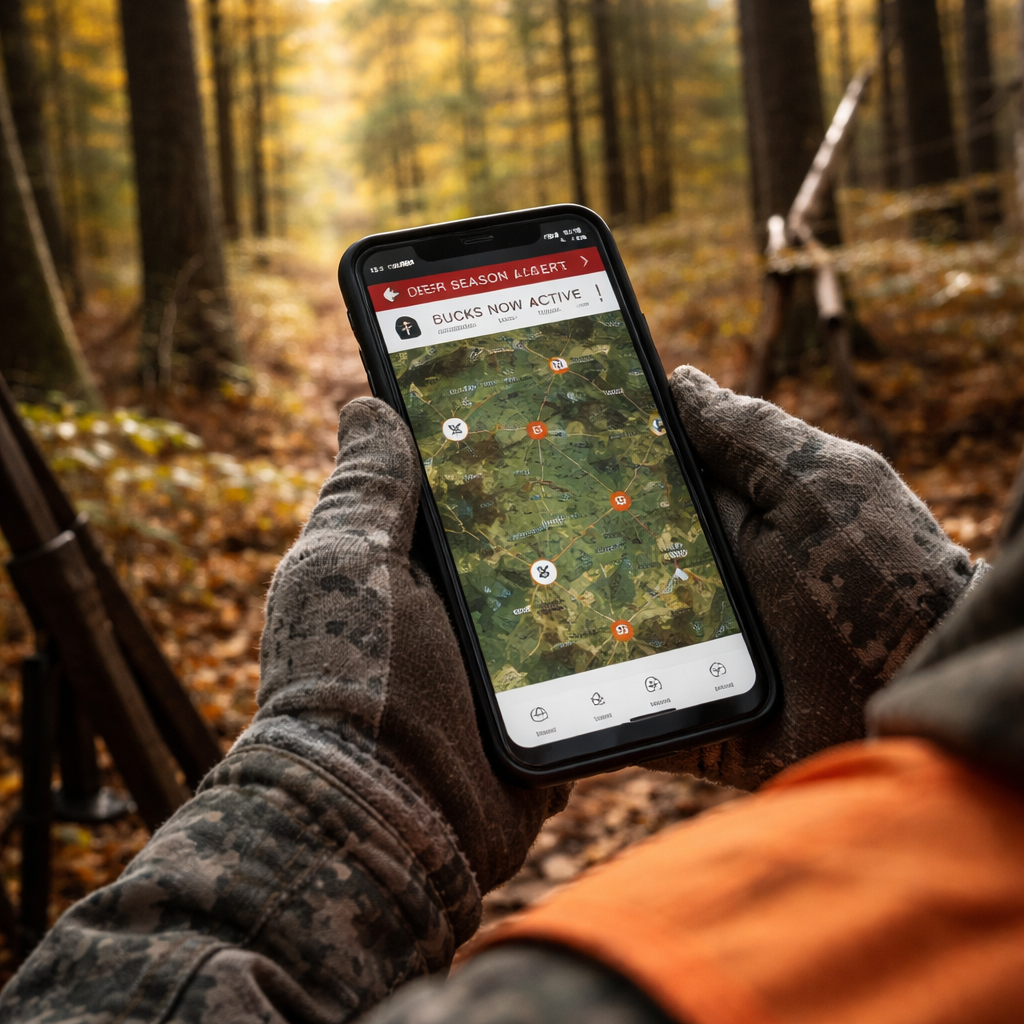
After you log in, the app will ask for location permission. Say "Allow" , you need GPS to see where you stand on the map. If you deny it, the hunting app for deer season tracking can't show you land boundaries or real‑time alerts.
Now set up your profile. Enter your state or province, the species you hunt, and your license numbers. This info powers the real‑time season tracking feature.
Next, explore the onboarding tutorial. Most apps walk you through map layers, waypoint creation, and alert setup. Spend a few minutes here; it saves you hours later.
Tip: Turn on push notifications. The app can ping you when the season opens, when a weather window hits, or when a nearby landowner updates access rules.
External resource: Petersen Hunting's review of top hunting apps walks through the download steps for several popular tools.
Another quick look: YouTube tutorial on setting up a hunting app shows the process in under three minutes.
Step 2: Customize Tracking Settings for Deer Seasons
Now that the app is installed, you need to tell it how you hunt deer. This is where a hunting app for deer season tracking shows its value.
Open the settings menu. Look for a section called "Season Alerts" or similar. Turn on the toggle for deer. Most apps let you pick the type of season , archery, muzzleloader, or rifle , and the zone you hunt in.Enter your WMU or GMU code. If you don't know it, tap the map and the app will read the zone for you. This auto‑detect feature saves you from flipping a paper map.
Set the alert window. Many hunters want a heads‑up 30 minutes before a wind shift that could move deer. Choose "Custom" and type in the wind direction and speed you care about.
Next, add your preferred hunting stands. Mark each stand on the map with a pin. Name the pin (e.g., "North Ridge"), and add notes about food plots, trail cam sightings, or past harvests.
Adjust the notification sound. A subtle tone works best when you’re already in the woods , you don’t want to scare the game.
Pro tip: Use the "Season Calendar" view. It shows you a month‑by‑month grid of open days for each deer class. You can scroll to see the whole season at a glance.
External link: HuntWise HuntCast feature page explains how hour‑by‑hour probability scores work.
External link: HuntWise alerts overview gives more detail on customizing alerts for wind and moon phases.
Step 3: Analyze Harvest Data with Built‑In Charts
After a few trips, the hunting app for deer season tracking will have logged your harvests. The next step is to turn those numbers into insight.
Open the "Harvest Log" tab. You should see a list of entries with date, species, location, and weapon. Tap any entry to see a pop‑up chart that breaks down your success by month.
Most apps let you filter by zone. This helps you see which WMU gave you the most bucks. You might discover that WMU 12 yields more antlered deer than WMU 9.Use the built‑in charts to spot patterns. A line graph could show a spike in harvests after a cold front, hinting that deer moved lower.
Export the data if you want to run deeper analysis. Look for a "Export CSV" button. You can then open the file in Excel and create pivot tables.
Here is a quick matrix that shows common chart types and what they reveal:
| Chart Type | What It Shows | Best Use |
|---|---|---|
| Bar Chart | Harvest count per WMU | Find top zones |
| Line Graph | Success over time | Spot seasonal trends |
| Heat Map | Hot spots on a map | Plan future stand placement |
External source: HuntPro app overview describes how AI helps sort images and generate heat maps for harvest analysis.
External source: HuntPro data export guide shows step‑by‑step how to pull CSV files for deeper stats.
Step 4: Share Real‑Time Location and Alerts
When you hunt with a group, staying in sync can prevent accidents and improve success. A hunting app for deer season tracking makes sharing simple.
Invite friends to a "Group Hunt" inside the app. Each member gets a unique link they can tap to join. Once they accept, you’ll see their GPS dots on the same map.
Set a privacy level. You can hide exact coordinates and just show a general radius if you prefer.
Enable the "Live Alerts" toggle. Now the app will push a notification to the whole group when a deer moves into a shared zone or when a weather shift hits.
Use the "Compass Mode" to help a buddy find a marked spot in low light. The app draws a line from your current location to the target.
Pro tip: Create a pre‑hunt checklist as a shared note. Everyone can tick off gear, licenses, and safety items before you head out.
External link: OnX Hunt app feature list explains how compass mode and customizable waypoints work.
External link: OnX Hunt real‑time location sharing guide shows step‑by‑step group setup.
Step 5: Integrate Weather and Terrain Maps
Weather and terrain are the two biggest factors for deer movement. A hunting app for deer season tracking that pulls hyper‑local forecasts can give you the edge.
Open the "Weather" tab. Most apps pull data from national services and then layer it over the map. Look for temperature, wind, barometric pressure, and moon phase.
Turn on the "Scent Cone" overlay. The app will draw a visual cone that shows where your scent is likely to travel based on wind and terrain.
Use the "Thermal Drift" map if the app offers it. It predicts how warm air will rise over ridges, which often draws deer at dawn.
Set a custom alert for a pressure drop of 0.15 inHg within two hours. The app will ping you, and you can head out just as deer start moving.
Combine terrain layers with weather. Turn on 3‑D view or Lidar to see ridgelines. Then overlay wind data to see where breezes funnel through gaps.
Pro tip: Save a "Morning Hunt" preset that includes sunrise time, wind direction, and scent cone. One tap gets you ready.
External source: Vegavid AI weather guide outlines how machine learning improves scent‑cone accuracy.
External source: HuntStand mapping and weather tools discuss how 3‑D maps and real‑time wind data help hunters plan stands.
Step 6: Review and Export Your Season Summary
At the end of the season, you’ll want a clear picture of what worked and what didn’t. The hunting app for deer season tracking lets you pull a full summary in a few taps.
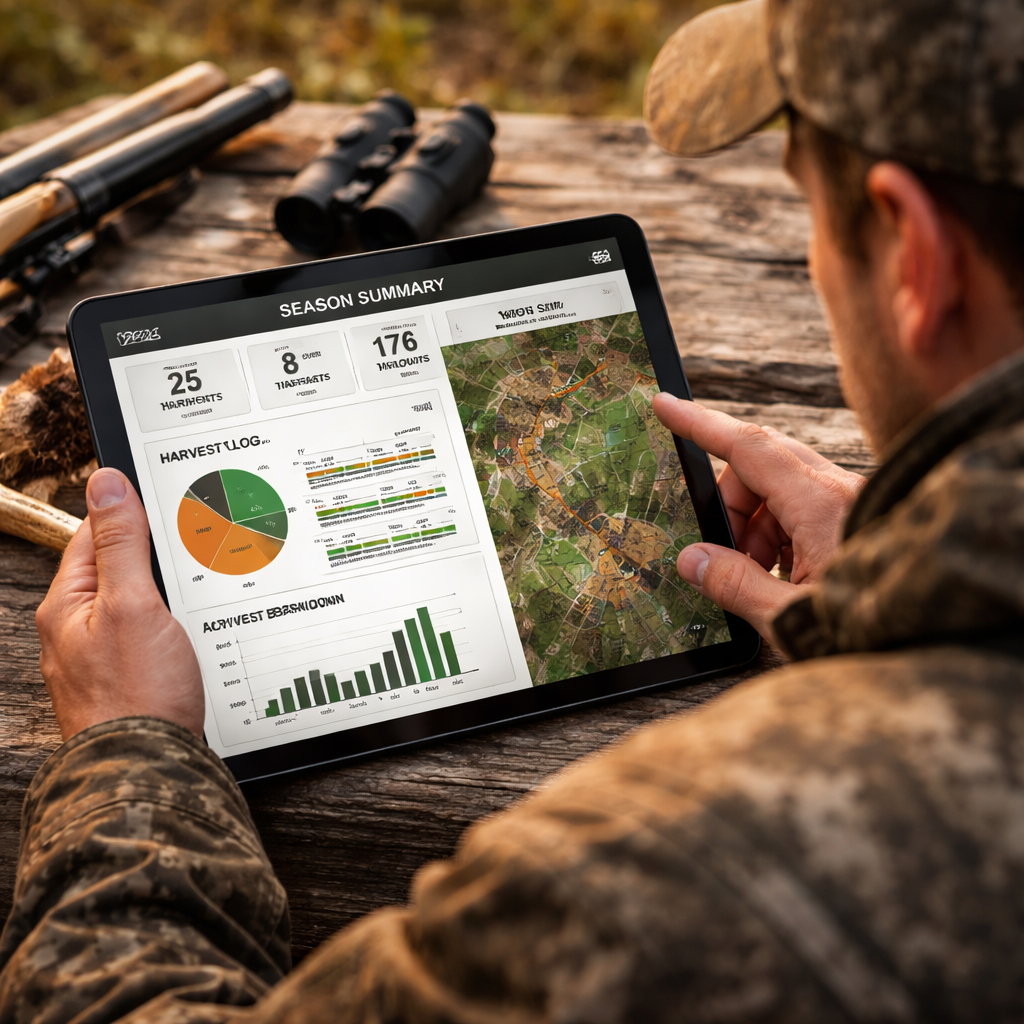
Go to the "Season Summary" screen. You’ll see total days hunted, total harvests, success rate, and average distance traveled.
Tap "Export" and choose CSV or PDF. The file includes each entry’s date, location, weather, and gear notes.
Open the CSV in Excel. Build a pivot table that groups harvests by WMU, weapon, or weather condition. This lets you see if rifles performed better in wind‑y days or if certain stands yielded more bucks.
Use the summary to plan next year’s hunt. Mark the zones that gave you the best returns and set new goals for less‑successful areas.
Pro tip: Share the PDF with your hunting club. Group analysis can reveal regional trends you might miss on your own.
External source: MyHunt app export feature description shows how to pull season data for analysis.
External source: Illinois DNR annual deer harvest reports provide official data you can compare against your own logs.
Conclusion
Choosing the right hunting app for deer season tracking starts with a clear plan. You install, set up your profile, customize alerts, dive into harvest charts, share live locations, layer weather and terrain, then pull a final summary. Each step adds a layer of safety, accuracy, and confidence.
Our pick, HuntScout, gives you land‑ownership mapping, real‑time season data, and offline maps all in one package. That combo beats onX Hunt’s offline reach and Powderhook’s bare‑bones approach.
Take the steps above, test the app on a short scout trip, and tweak your settings until they fit your style. When the season opens, you’ll have the right data at your fingertips, so you can focus on the hunt, not the paperwork.
Ready to level up? Download HuntScout, set up your alerts, and head out with confidence.
FAQ
What should I look for in a hunting app for deer season tracking?
You want land‑ownership maps, live season alerts, offline capability, and easy data export. Look for an app that lets you enter your WMU, set custom wind alerts, and pull a CSV at season’s end. HuntScout hits all those points, making it a solid all‑round choice.
How do I get real‑time season updates on my phone?
Enable push notifications in the app’s settings and select the deer species you hunt. The app will pull the latest dates from state or provincial databases and ping you when a new season opens or when a regulation changes. This keeps you compliant without checking a website.
Can I use the app offline when I’m deep in the woods?
Yes. Download the map area before you leave. All GPS tracking, waypoint marking, and harvest logging work without cell service. Just make sure you sync your data when you get back online to keep the season database current.
How does the weather overlay help my deer hunt?
Weather layers show wind direction, pressure trends, and temperature swings right on the map. The scent‑cone overlay visualizes how wind will carry your scent. By checking these layers before you set up, you can pick a stand that keeps you downwind of deer movement.
What’s the best way to share my location with a hunting party?
Create a group hunt inside the app and invite teammates. Turn on live location sharing and set a privacy radius if you prefer. The map will show each member’s dot, and you can send instant alerts if a deer is spotted or if conditions shift.
How can I analyze my harvest data after the season?
Open the harvest log, view the built‑in charts, and export the data as CSV or PDF. In a spreadsheet you can group by WMU, weapon, or weather to see patterns. This helps you decide which zones to target next year.
Is there a free version of a hunting app for deer season tracking?
Many apps offer a basic free tier with core maps and season dates, but features like offline maps, custom alerts, and data export usually need a paid subscription. HuntScout’s free tier covers basic mapping, while the paid plan unlocks the full suite of tools.
How often does the app update land‑ownership data?
Most top apps refresh their parcel data quarterly. HuntScout pulls directly from county and state registries, so you get the newest boundaries each time you open the app with an internet connection.