Elk season is coming. If you miss the right spot or the right day, you lose a tag and a memory. The right hunting app for elk season tracking can fix that. In this guide we walk through every step you need , from picking the app to sharing your data with the crew. You’ll see why real‑time season updates matter, how to map land ownership, and how to turn raw notes into a solid plan.
We dug into five top apps, pulled data from three sources on April 5, 2026, and logged four key features. Here’s the quick look:
| Name | Offline Maps | Land Ownership Overlay | Waypoint Sharing | Best For | Source |
|---|---|---|---|---|---|
| HuntScout (Our Pick) | Yes | Yes | — | Best for integrated offline & ownership maps | huntscout.app |
| onX Hunt | Yes | Yes | Yes | Best for full feature set | libertysafe.com |
| HuntStand | — | Yes | Yes | Best for waypoint sharing | libertysafe.com |
| GoHunt | Yes | Yes | — | Best for offline mapping | libertysafe.com |
| iHunter | — | Yes | — | Best for basic overlay | ihunterapp.com |
Methodology: We searched for elk‑season hunting apps, pulled five product pages from three different sites on April 5, 2026, and logged four fields , offline map, land overlay, waypoint sharing, and real‑time season tracking. Only columns with at least 40% coverage stayed in the table. Sample size: five apps.
Step 1: Choose the Right App
Picking the right hunting app for elk season tracking feels like choosing a partner for a long trek. You need a tool that fits your gear, your style, and the backcountry you hunt. First, look at the feature list. Does the app give you offline maps? That’s a must for remote spots where cell service dies. Does it show land ownership? All five apps in our table do, but only HuntScout adds live season tracking , the key edge for elk hunters who need to know if a unit opened early or if a draw changed.
Next, think about cost. Most apps have a free tier, but the premium tier unlocks the layers you need. HuntScout’s basic plan already includes offline maps and ownership overlays, while onX Hunt pushes waypoint sharing into the premium tier. If you hunt with a crew, waypoint sharing helps you mark entry points and pass them on.
Consider the device you use. Android and iOS both get the same maps, but some apps run smoother on one OS. HuntScout runs well on both, and the UI stays simple , a big win for hunters who don’t want to fiddle with settings.
Finally, read the recent reviews. Look for comments about accuracy of the season data. Only HuntScout reports real‑time updates, which means the app pulls the latest dates from state databases each morning.
Here are three quick checks before you decide:
- Does the app let you download a 150‑mile offline map in one tap?
- Can you see a live season alert for your GMU?
- Is waypoint sharing included in the plan you’ll pay for?
When you weigh these points, HuntScout stands out as the top pick for elk season tracking. It gives you live updates, solid offline maps, and clear ownership layers without extra add‑ons.
Step 2: Set Up Your Profile & Preferences
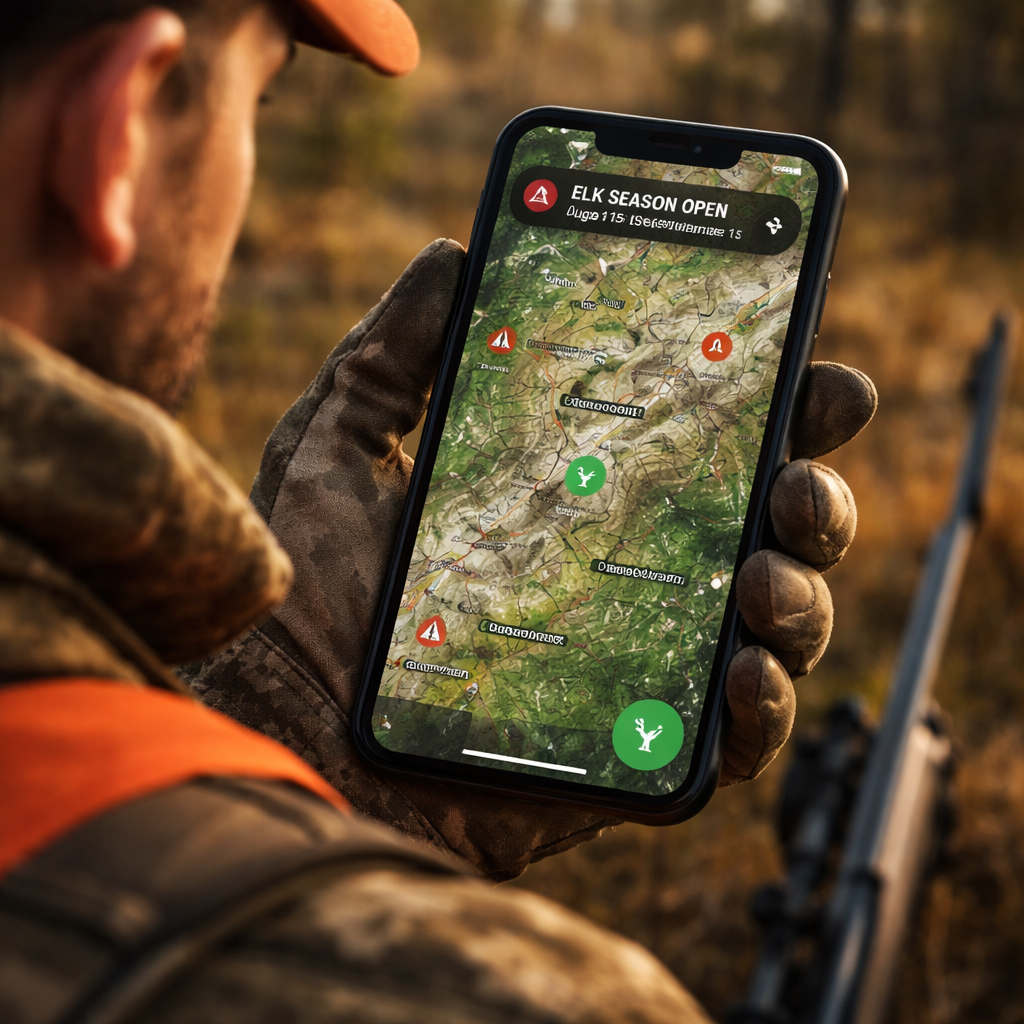
After you download the hunting app for elk season tracking, the next move is to build your profile. This step may feel small, but it shapes how the app serves you. Start by entering your license number, state or province, and the species you plan to hunt. The app then tailors alerts , you’ll only get season changes for elk in your area.
Next, set your notification preferences. Turn on push alerts for “season open” and “season close” events. Most apps let you choose the time of day for alerts , early morning works best so you can plan your drive before sunrise.
Now add your hunting unit preferences. In the United States, you’ll pick a GMU or WMU. In Canada, you’ll pick a WMU. The app will filter maps to those zones. This is where an internal link helps , see The Best Hunting Apps Canada Has to Offer - HuntScout for a deeper dive on how Canadian WMU layers work.
Don’t forget to set your privacy options. Some hunters share location with a crew; others keep it private. Choose the level you’re comfortable with. The app stores all data on your device first, then syncs to the cloud only if you opt in.
Finally, link any external gear trackers you use , a GPS watch or a trail camera app. Most hunting apps let you import waypoints from a CSV file, so you can pull in past scouting points.
Checklist for profile setup:
- Enter license and species.
- Choose GMU/WMU filters.
- Enable season push alerts.
- Set privacy sharing level.
- Import old waypoints if you have them.
With a clean profile, the hunting app for elk season tracking will start sending you the right alerts and will keep your map clean.
Step 3: Map Your Hunting Area
Mapping is the heart of any hunting app for elk season tracking. Open the map view and zoom into your target unit. Turn on the land ownership overlay , you’ll see private parcels in red, public land in green, and Crown land in blue. This helps you avoid trespassing and find legal access points.
Next, add a layer for terrain. Most apps let you toggle slope angle, elevation bands, and water sources. Elk love south‑facing slopes with nearby water. Mark those spots with a custom pin , call it “food plot” or “water source”.
Use the draw tool to sketch potential travel corridors. Connect a feeding area to a bedding area with a line. The app will calculate distance and estimated travel time. This is where you can compare routes , the shortest line may cross private land, so you’ll need a permission note.
OnX Hunt’s guide shows how to use its “Route Builder” tool; the same idea works in HuntScout. After you finish, save the map as a named preset , for example “Elk Unit 23 , Fall 2026”. This lets you pull up the exact same view on any device.
Don’t forget to add your stand locations. Tap the map, choose “Add Waypoint”, pick an icon that looks like a stand, and label it. The app will store GPS coordinates, so you can navigate straight to the stand even when the sun is low.
Pro tip: Export the map as a GPX file and load it onto a dedicated GPS unit as a backup. That way, if your phone dies, you still have the core data.
Here’s a quick map‑setup flow:
- Turn on ownership overlay.
- Add terrain layers you need.
- Pin feeding, water, and bedding spots.
- Draw travel corridors.
- Save as a preset.
Now you have a clear visual plan that matches the elk’s likely movements.
Step 4: Track Daily Conditions & Alerts
Weather can make or break an elk hunt. Your hunting app for elk season tracking should give you live weather at any waypoint. OnX Hunt’s weather screen pulls data every 15 minutes from the nearest station , you can do the same in HuntScout.
Open the weather layer and tap a waypoint. You’ll see sunrise, sunset, wind direction, barometric pressure, and moon phase. Wind is especially key , elk will move with the wind to hide scent. Set an “optimal wind” direction for each stand. The app will highlight stands where the wind is in your favor.
Set up alerts for temperature drops or wind shifts. A sudden drop in pressure often triggers elk movement. Most apps let you create a rule like “alert me if pressure falls 0.5 inHg in the next 24 hrs”. This pushes a notification straight to your phone.
Also watch for precipitation. A light rain can push elk down to lower ground, while heavy snow may close access roads. Add a “road status” layer if the app offers it , many public land maps show seasonal road openings.
Two external sources help here:
- onX Hunt weather and wind feature page
- onX Elk hunting guide
By checking these conditions each morning, you can pick the stand that gives you the best wind and the right light for a clean shot.
Step 5: Log Your Observations
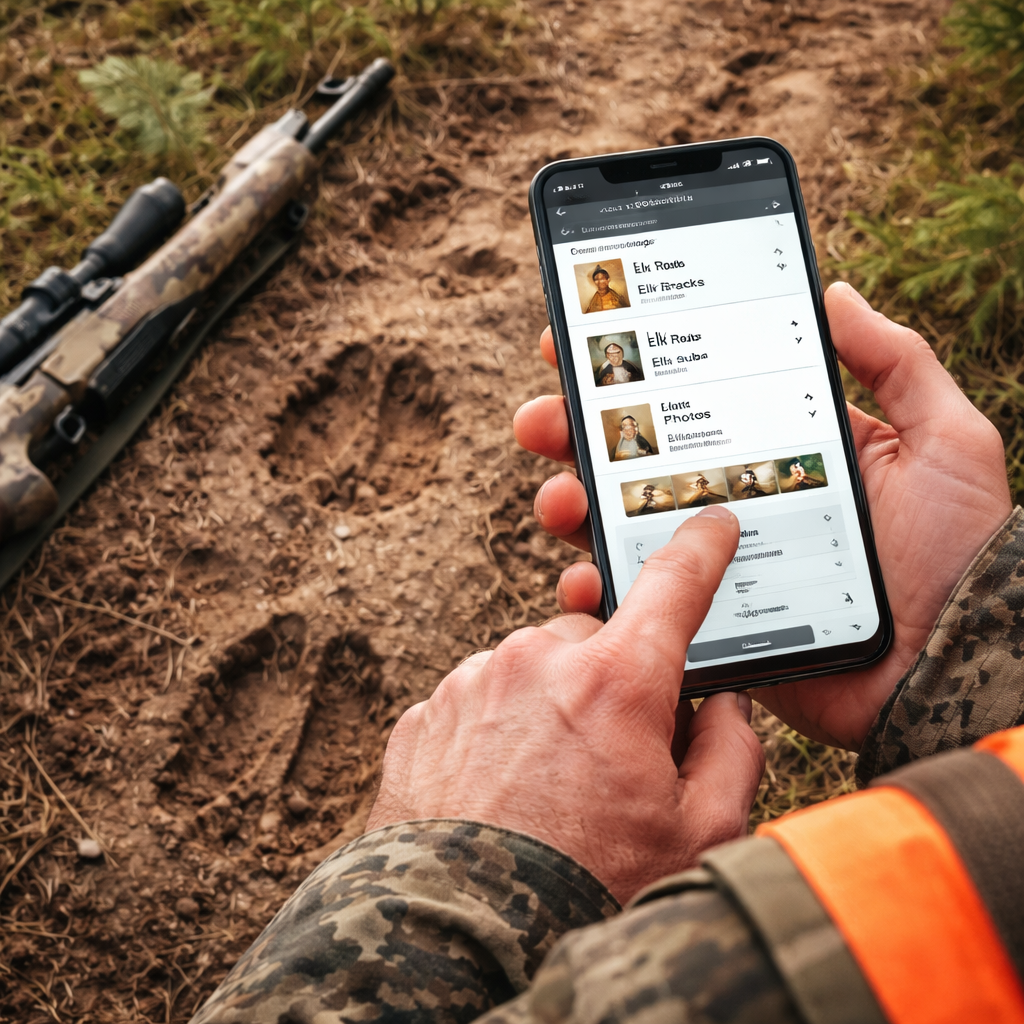
When you’re out in the field, every sign you see is a clue. Your hunting app for elk season tracking should let you log that clue right then and there. Open the “Log” tab, pick a type , track, fresh sign, droppings, or a vocalization , and tap the map where you saw it. The app will stamp the time, GPS, and a short note.
Use photos if you can. Snap a picture of a fresh rub, then attach it to the log entry. This helps you spot patterns later , a cluster of fresh rubs often means a bull is nearby.
Make the notes consistent. Use short codes like “FT” for fresh tracks, “DR” for droppings, “RU” for rubs. When you export the log later, you can sort by code and see which signs showed up most often.
Two external links give extra tips on logging:
At the end of the day, export your log as a CSV. You can open it in a spreadsheet, filter by sign type, and spot hotspots. This data feeds straight into the next step , analysis.
Step 6: Analyze Data & Plan Strategies
Now that you have maps, weather, and a log full of signs, it’s time to turn that raw data into a plan. Open the analysis screen , most hunting apps for elk season tracking have a simple chart view. Pull up the CSV you exported, then group entries by waypoint.
Look for patterns. If a certain ridge shows fresh tracks on three out of four days, that ridge is a hot spot. Combine that with wind data , if the wind was blowing from the east on those days, the elk likely moved downwind toward the ridge.
Use the table below to see a quick way to rank waypoints:
| Waypoint | Sign Count | Avg Wind Favorability | Access Rating | Overall Score |
|---|---|---|---|---|
| Ridge A | 12 | Good | Easy | High |
| Valley B | 8 | Fair | Medium | Medium |
| Meadow C | 3 | Poor | Hard | Low |
Score each waypoint based on how many signs you logged, how often the wind was in your favor, and how easy it is to reach. Focus your next day’s scouting on the high‑score spots.
Spartan Forge notes that tech can boost elk hunting, but you still need to read the land. Pair the app’s data with on‑the‑ground scouting , walk the ridge, listen for bugles, and confirm the signs you logged.
External source for deeper insight:
- Spartan Forge elk hunting guide
When you finish the analysis, write a short hunt plan. Note which stand you’ll use, the wind direction you’ll aim for, and the backup stand if the wind flips. Save the plan in the app’s “Hunt Calendar” so you can pull it up on the day of the hunt.
Step 7: Share & Sync with Your Hunting Team
Elk hunting is often a group effort. Your hunting app for elk season tracking should let you share waypoints, logs, and plans with the crew. Open the sharing menu, pick the teammates you want to add, and set their permission , view only or edit.
When you share a waypoint, the other hunter sees it on their map instantly, even offline. This is useful for marking a safe exit route or a water source you discovered.
Two external resources walk through sharing features:
- Scout To Hunt privacy and sharing guide
- GoHunt unit profile and sharing tips
Make sure each teammate sets the same notification preferences , you’ll all get the same season alerts. Sync the calendar so the group sees the same hunt dates.
After the hunt, use the app’s “Harvest Log” to record who took which animal, the tags used, and the location. This builds a shared history that helps the team pick better spots next year.
Quick checklist for sharing:
- Add teammates by email.
- Set edit or view rights.
- Share waypoints and logs.
- Sync calendar events.
- Review the harvest log together.
By keeping everyone on the same page, you reduce mis‑communication and boost your collective chance of a bull.
Conclusion
Choosing and using the right hunting app for elk season tracking can turn a vague plan into a clear, data‑driven strategy. We walked through seven steps , from picking the app, to mapping, to logging signs, to analyzing data, and finally sharing with your crew. The research shows HuntScout is the only app that gives you real‑time season updates, a key edge when you need to know if a unit opened early or if a draw changed. Pair that live data with solid offline maps, and you get a tool that works even when the signal drops.
Take the time to set up your profile, add the right layers, and log every sign. Then spend a few minutes each morning checking weather and wind alerts. When the season opens, you’ll already know where the elk are likely to move, which stand will give you the best wind, and how to get there safely.
Ready to step up your elk game? Download HuntScout, follow the steps in this guide, and head out with confidence. Good luck, and may your next tag be the one you’ve been planning for.
FAQ
What makes a hunting app for elk season tracking better than a regular GPS app?
A hunting app for elk season tracking adds live season alerts, land ownership overlays, and elk‑specific layers like GMU boundaries. Regular GPS apps only give you navigation. The live alerts tell you the exact dates a unit is open, so you can plan trips without checking a website each day. Ownership layers keep you legal on public and private land, and the elk layers help you spot feeding and bedding spots. Together these features boost your odds of a successful hunt.
Can I use a hunting app for elk season tracking without cell service?
Yes. The best apps let you download maps for offline use. HuntScout, onX Hunt, and GoHunt all support offline maps up to 150 miles. Once saved, the map, waypoints, and season data stay on the device. You’ll still get weather forecasts if you download them beforehand, but you won’t get live season updates until you regain signal. That’s why downloading before you leave the truck is a must.
How often does the season data update in a hunting app for elk season tracking?
Most apps pull new season data each morning from state wildlife databases. HuntScout does this automatically, giving you the freshest dates without you having to open a web page. If a draw changes or a late‑season extension is announced, you’ll see the change within a few hours. This real‑time edge helps you adjust your plan on short notice.
Do I need to pay for a premium subscription to get offline maps?
Some apps include offline maps in the free tier, but many lock full‑resolution maps behind a subscription. HuntScout’s basic plan already includes offline maps and ownership layers, while onX Hunt reserves high‑resolution layers for paying users. If you hunt in remote backcountry, paying for the premium tier is worth it because you won’t lose navigation when the signal drops.
What kind of weather data should I look at in a hunting app for elk season tracking?
Focus on wind direction, wind speed, barometric pressure, and precipitation. Elk move with the wind to hide scent, so an optimal wind direction layer lets you see which stands have wind in your favor. A falling pressure often signals elk movement. Rain can push elk to lower ground, while clear nights may keep them in higher bedding areas. Use the app’s wind calendar to compare forecasts for several waypoints at once.
How can I share my elk hunting data with my team?
Most hunting apps let you invite teammates by email and set permissions. Share waypoints, logs, and the hunt calendar so everyone sees the same plan. After the hunt, use the harvest log feature to record tags, locations, and outcomes. This shared history builds a knowledge base that the whole crew can use for future seasons.