Finding the right hunting app for national forests can mean the difference between a great tag and a wasted day. In 2026 there are more tools than ever, but not all of them work well in the backcountry. This guide walks you through every step – from setting goals to sharing your hunt data – so you can pick the best hunting app for national forests and use it safely.
Step 1: Identify Your Hunting Goals and Preferred Forests
The first thing you do when you look for a hunting app for national forests is to think about what you want to hunt and where you will hunt.
Are you after whitetail in the Appalachians, elk in the Rockies, or turkey in the Ozarks? Your target animal decides what layers you need, such as wind forecasts for turkey or elevation maps for elk.
Next, write down the specific national forests you like. Maybe you love the thick hardwoods of the George Washington National Forest, or the high alpine meadows of the Coconino National Forest. List at least three forests so you can compare map coverage later.
When you have a clear goal, you can match it to app features. A good hunting app for national forests will let you draw custom boundaries, add way‑points for food plots, and see recent satellite images that show fresh clear‑cuts.
Here are three quick steps to lock down your goals:
- Write the species you want to hunt.
- Mark the national forests you plan to visit.
- Note the season dates and any special permit rules.
Doing this on paper or a simple note app helps you stay focused when you start testing apps.
Think about how you move in the woods. Do you set up a tree stand, a ground blind, or hunt from a vehicle? Your mobility style will affect which map layers matter most. For example, a stand hunter needs scent‑drift tools, while a vehicle hunter needs road‑network layers.
Another tip is to check the forest’s official website for any recent fire closures or trail updates. Those details often show up in the “public land” layer of a hunting app for national forests.
When you know your goals, you can move on to the next step – comparing apps.
For more detail on mapping tools that help you plan, see HuntStand’s mapping features. They show property lines, satellite views, and more.
Step 2: Compare Top Hunting Apps – Features & Compatibility
Now that you have your hunting goals, it’s time to compare the hunting app for national forests that claim to work across the United States.
We’ll look at four popular apps: HuntStand, OnX Hunt, DeerCast, and Spartan Forge. All of them have mapping, weather, and permit tools, but they differ in how they show data and how they run offline.
HuntStand offers seven base layers, distance tools, and a trail‑camera manager. It works on iOS and Android, and you can buy a Pro subscription for nationwide land data.
OnX Hunt started as a GPS service for hunters. It now adds wind calendars, trail‑camera integration, and offline maps. The app also lets you share routes with friends.
DeerCast focuses on deer‑specific forecasts. It gives a 14‑day movement forecast, a weather overlay, and a social feed where you can read tips from other hunters.
Spartan Forge uses LiDAR and AI to predict the best hunting times. It shows detailed topography without tree cover, which helps you find hidden travel corridors.
Here are three things to check for each app:
- Map layers: Do they include national forest boundaries, terrain, and recent satellite images?
- Offline support: Can you download an entire forest area and still see way‑points?
- Device compatibility: Does the app run on both Android and iOS?
When you compare, write down which app has the layers you need for each forest on your list.
Remember to test the free version first. Most apps let you try basic features without paying.
For a deeper look at each app’s pros and cons, read the review on Petersen’s Hunting. It breaks down the mapping and weather tools in plain language.
Another solid source is Quiver’s best mobile hunting apps list. It talks about offline maps and land ownership data that matter for national forests.
Step 3: Quick Reference Table – Price, Platform, and Best‑For
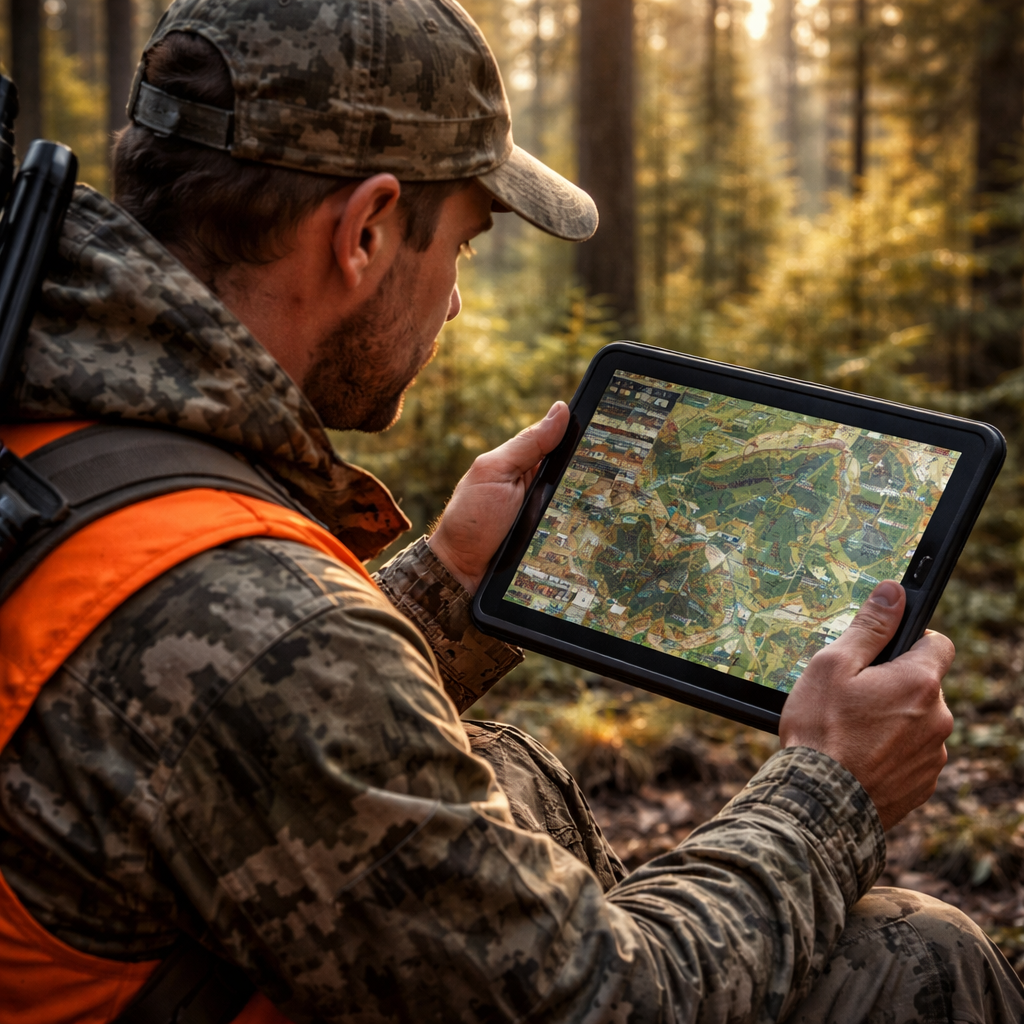
Below is a quick reference table that helps you see the price, platform, and best‑for match for each hunting app for national forests.
| App | Price (2026) | Platform | Best‑For |
|---|---|---|---|
| HuntStand | Free basic, $39.99/yr Pro | iOS, Android | Detailed land layers, trail‑camera storage |
| OnX Hunt | $59.99/yr Elite | iOS, Android | Offline maps, wind calendars |
| DeerCast | Free basic, $29.99/yr Premium | iOS, Android | Deer movement forecasts |
| Spartan Forge | $49.99/yr | iOS, Android | LiDAR terrain, AI hunting times |
Use the table to narrow down which app fits your budget and the forest you love.
Tip: If you hunt in many different national forests, pick the app with the most comprehensive nationwide data. HuntStand’s Pro plan gives you property lines for every public and private parcel in the U.S.
Another tip is to check the app’s update schedule. An app that updates satellite imagery every month will give you fresher views of clear‑cuts and fire damage.
For the official list of public land layers, see HuntStand’s public land page. It explains what data you get with a free versus paid account.
OnX Hunt’s pricing and feature list are shown on OnX Maps. They also note how many states and national forests are covered.
Step 4: Set Up Your Chosen App – Installation & Account Basics
Now that you have picked a hunting app for national forests, it’s time to get it on your phone.
First, go to the App Store or Google Play and search for the app name. Tap Install and wait for the download.
When the app opens, you will be asked to create an account. Use an email you check often; you will get a verification code.
Enter your name, pick a strong password, and agree to the terms. Most apps let you sign in with Google or Apple, which can speed things up.
Next, set up your profile. Add the species you hunt, the national forests you plan to visit, and any permits you hold. This information helps the app give you tailored alerts.
Now enable location services. The app needs GPS to show your exact spot on the map. Go to your phone’s Settings, find the app, and turn on “Location”.
After that, download offline maps for the forests you will be in. Choose the map area, then hit “Download”. Make sure you have enough storage – a full national forest can be several gigabytes.
Once the map is saved, you can open it without cell service. The app will still show your GPS dot on the offline map.
Check the NPS app for park alerts that can affect national forest access. You can download it from the National Park Service site. It gives you road closures and safety notices.
Finally, explore the app’s tutorial. Most hunting apps have a short video that shows how to add way‑points, draw lines, and set alerts. Watching it once saves you time later in the field.
For extra tips on using land‑app features, read the guide on HuntWise. It explains how to mark stands and check wind drift.
Step 5: Leverage Map Layers, Permit Info, and Safety Alerts
With your hunting app for national forests installed, the next step is to turn on the right layers.
Start with the national forest boundary layer. This shows the exact edge of each forest, so you never cross into a state park by mistake.
Next, add the land‑ownership layer. It lets you see public land, private land, and any special use areas. You can quickly spot a free‑access tract that matches your species.
Then, enable the weather overlay. Look for a layer that shows wind direction, temperature, and precipitation for the next 48 hours. Good wind data helps you place a stand where the scent won’t blow toward the game.
Many apps also have a permit‑info layer that tells you which permits are needed for each forest zone. Turn that on so you can check if you need a special hunting tag or a fire‑danger permit.
Safety alerts are another must‑have. The app can push alerts for fire closures, bear activity, or sudden storms. Set the alert distance to 5 miles so you get a heads‑up before you get too close.
Here are three quick actions you can take after turning on layers:
- Tap any point on the map to see the exact forest unit and any permit requirements.
- Save a waypoint for a good stand and add a note about wind direction.
- Enable push notifications for fire closures in the area you plan to hunt.
When you plan a trip, first download the layers you need for the whole forest. That way you can work offline and still see the data.
For a full list of layer options, see OnX Hunt’s layer guide. It explains how each overlay works and which are best for national forest hunting.
To help you see the bigger picture, we add one internal link that points to a useful public‑land tool. US Hunting Seasons & Public Land - HuntScout lets you view hunt zones, public land boundaries, and season data on an interactive map. Use it alongside your hunting app for national forests for extra confidence.
Step 6: Track Your Hunts and Share Data Responsibly
After you finish a hunt, the hunting app for national forests can help you log the day and share useful info.
First, open the “Log” or “Harvest” section. Enter the species, weight, and location. Most apps will auto‑fill the date and weather based on the GPS data you recorded.
Second, attach a photo if you have one. This helps you remember the exact spot and can be useful for future scouting.
Third, add notes about what worked – wind direction, game movement, and any stand adjustments. Over time you will build a personal database that shows patterns in each forest.
If you hunt with a group, you can share your map marks and notes. Choose the “Share” option and send a link to your teammates. They can see the same way‑points and avoid walking into a stand already taken.
Be careful about privacy. Some apps let you hide exact GPS coordinates from the public. Turn on the privacy setting if you don’t want others to see your favorite spots.
Here are three tips for responsible sharing:
- Only share with trusted hunting buddies.
- Mask exact coordinates if you post to a public forum.
- Remove any personal info from photos before uploading.
By tracking and sharing responsibly, you help the whole hunting community stay safe and successful.
Conclusion
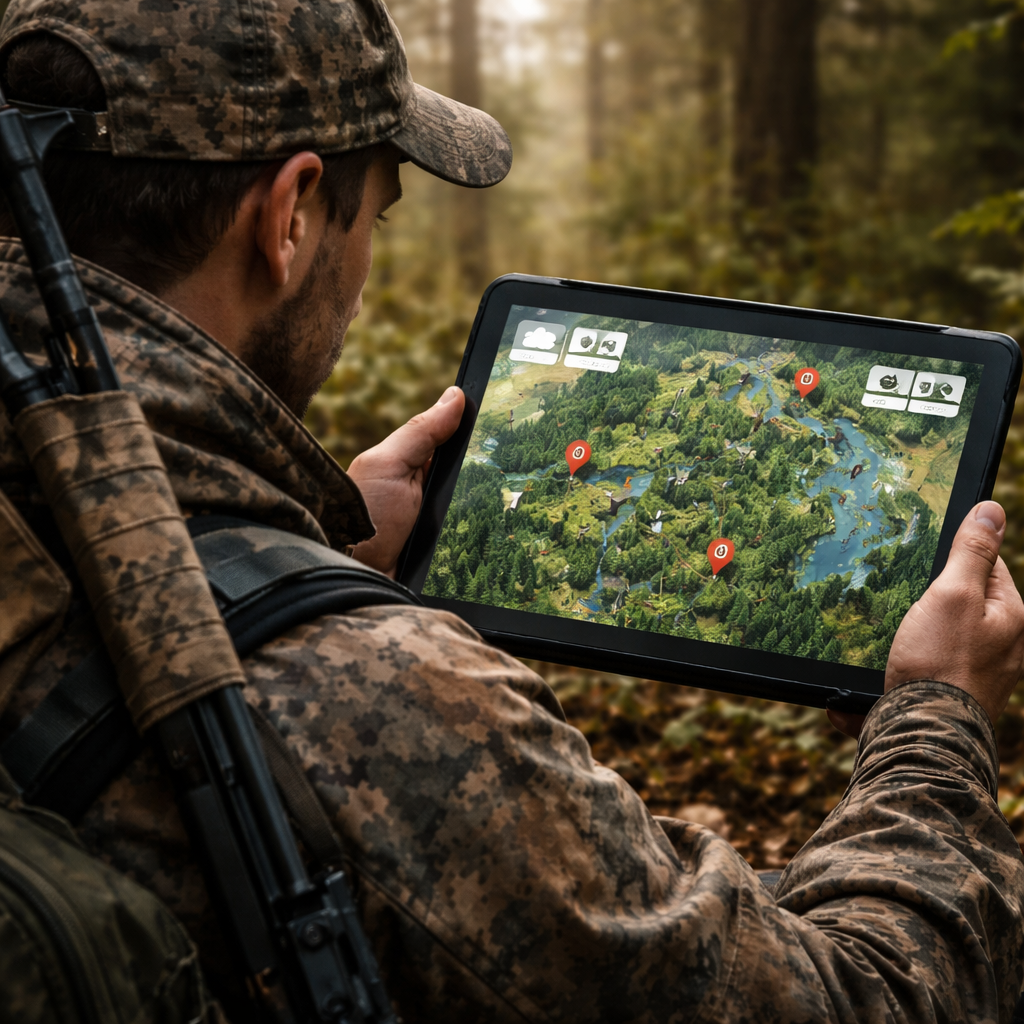
Choosing the right hunting app for national forests in 2026 starts with clear goals, a careful feature comparison, and a solid set‑up plan. You now know how to list your target species, match the app’s map layers to the forests you love, and keep your data safe offline. You also have a quick reference table to compare price, platform, and best‑for use.
When you install the app, remember to enable location services, download offline maps, and set up alerts for permits and safety. After each hunt, log your harvest, add notes, and share only with trusted friends.
Follow these steps, and you’ll spend more time in the trees and less time worrying about rules or lost signals. Happy hunting, and may your next tag come easy with the best hunting app for national forests on your wrist.
FAQ
What should I look for in a hunting app for national forests?
Look for map layers that show forest boundaries, land ownership, and weather. Offline support is key because many forests have no cell service. You also want a permit‑info overlay so you can see which tags you need for each zone. Finally, check that the app works on both iOS and Android, so you can share data with friends.
Can I use a hunting app for national forests without internet?
Yes. After you download the map area, the app will keep GPS working offline. Make sure you save the forest’s satellite and topographic layers before you leave home. Test the offline map on a short hike to be sure everything loads correctly.
How do I know if a hunting app for national forests covers the forest I want?
Open the app’s map and search for the forest name. Most apps list national forests in their layer menu. If the forest appears with a boundary line, the data is included. You can also check the app’s website for a list of covered public lands.
Do hunting apps for national forests show permit requirements?
Many do. Look for a “permit” or “regulation” overlay. When you tap a point on the map, the app should display any required tags or fire‑danger permits for that location. This feature helps you stay legal and avoid fines.
Is it safe to share my hunting locations with others?
Sharing can be helpful, but protect your privacy. Use the app’s sharing settings to limit who sees exact coordinates. Mask the GPS data if you post on a public forum. Only share with trusted hunting buddies who respect the rules.
How often are map layers updated in a hunting app for national forests?
Updates vary by app. Some apps refresh satellite imagery monthly, while others may update yearly. Check the app’s update notes in the settings. Frequent updates mean you’ll see recent road closures, new trails, and fresh clear‑cuts.