Only 2 of 10 hunting apps give you real‑time weather alerts. That means most hunters are missing a simple safety tool. In this guide you’ll see why weather alerts matter, how to pick the right app, set up live alerts, and which three apps lead the pack in 2026.
We’ll walk through practical steps, real‑world examples, and a quick verdict so you can choose a hunting app with weather alerts that fits your style and terrain.
| Name | Weather Alerts | Land Ownership Mapping | Offline Maps | Regulation Access | Free Tier | Best For | Source |
|---|---|---|---|---|---|---|---|
| HuntScout (Our Pick) | — | Yes | Yes | Yes | Yes | Best overall | huntscout.app |
| onX Hunt | Yes | private/public land boundaries | Yes | Possible Access Layer and state-specific layers showing private land access | Yes (limited features) | Best feature set | onxmaps.com |
| SeasonSync | Yes | — | Yes | Yes | Yes (basic calendar sync and push alerts) | Best calendar integration | huntscout.app |
| Hunting Points | Yes (severe weather alerts) | Parcel‑level private land boundaries | Yes | — | Yes | Best weather alerts | apps.apple.com |
| HuntTrack Pro | — | — | Yes | Yes (US + Canada) | Yes (basic maps and calendar sync) | Best cross‑border regulation | huntscout.app |
| GoHunt | No | Property owner boundaries displayed | Yes | No | Yes (7‑day free trial) | Best trial length | libertysafe.com |
| iHunter | — | Landowner map layers with boundary and land owner information | — | Yes | Yes (3‑day free trial) | Best quick test | ihunterapp.com |
| DeerRadar | — | — | Yes | — | Yes (basic version free) | Best free basic | huntscout.app |
| GamePlanner | — | General public land overlay only | Yes | — | — | Best public land mapping | huntscout.app |
| HuntStand | No | Detailed property ownership data | No | No | Yes (limited zoom) | Best property detail | libertysafe.com |
Why Weather Alerts Matter for Hunters
Weather is the biggest unknown on any hunt. A sudden rain can turn a clear trail into a mud pit. A cold front can spark a burst of deer movement. When you have a hunting app with weather alerts, you get the heads‑up you need to stay safe and stay on target.
Outdoor Wilds explains that hunters who check the forecast before they leave often miss the change that happens on the road. By the time they reach the stand, the sky may be dark, the wind may have shifted, and the temperature may have dropped. A real‑time alert lets you adapt on the fly , move to a new stand, pack extra rain gear, or decide to call it a day.
Deer, elk, turkey , they all react to temperature, wind, and pressure. Ilearntohunt notes that deer are most active between 30°F‑50°F and will move ahead of a cold front. A quick push notification telling you that a front is arriving lets you get to a feeding spot before the herd does.
Safety is another angle. Lightning storms can be deadly. Severe‑weather alerts warn you to seek shelter before a bolt strikes. Wind alerts help you avoid exposing scent to game. In short, a hunting app with weather alerts is a safety net and a success tool rolled into one.
- Set alerts for temperature drops of 10°F or more , a sign of a front.
- Enable wind‑direction push notes , stay downwind of your stand.
- Activate lightning alerts if you hunt in exposed ridges.
Imagine you’re on a high‑elevation elk stand. The app pings that a storm is 30 minutes away, wind is shifting east. You move down to a sheltered valley, set a new stand, and the herd moves through just as you hoped. That’s the power of a hunting app with weather alerts.
And remember: the data isn’t just raw numbers. Most apps tie the forecast to a map, so you see exactly where rain is falling in relation to your waypoints.
For more on why weather matters, see the Outdoor Wilds guide on hunting weather apps. It breaks down the key weather variables and how they affect game.
Another good read is the iLearnToHunt article on hunting forecasts, which dives into temperature, pressure, and wind patterns.
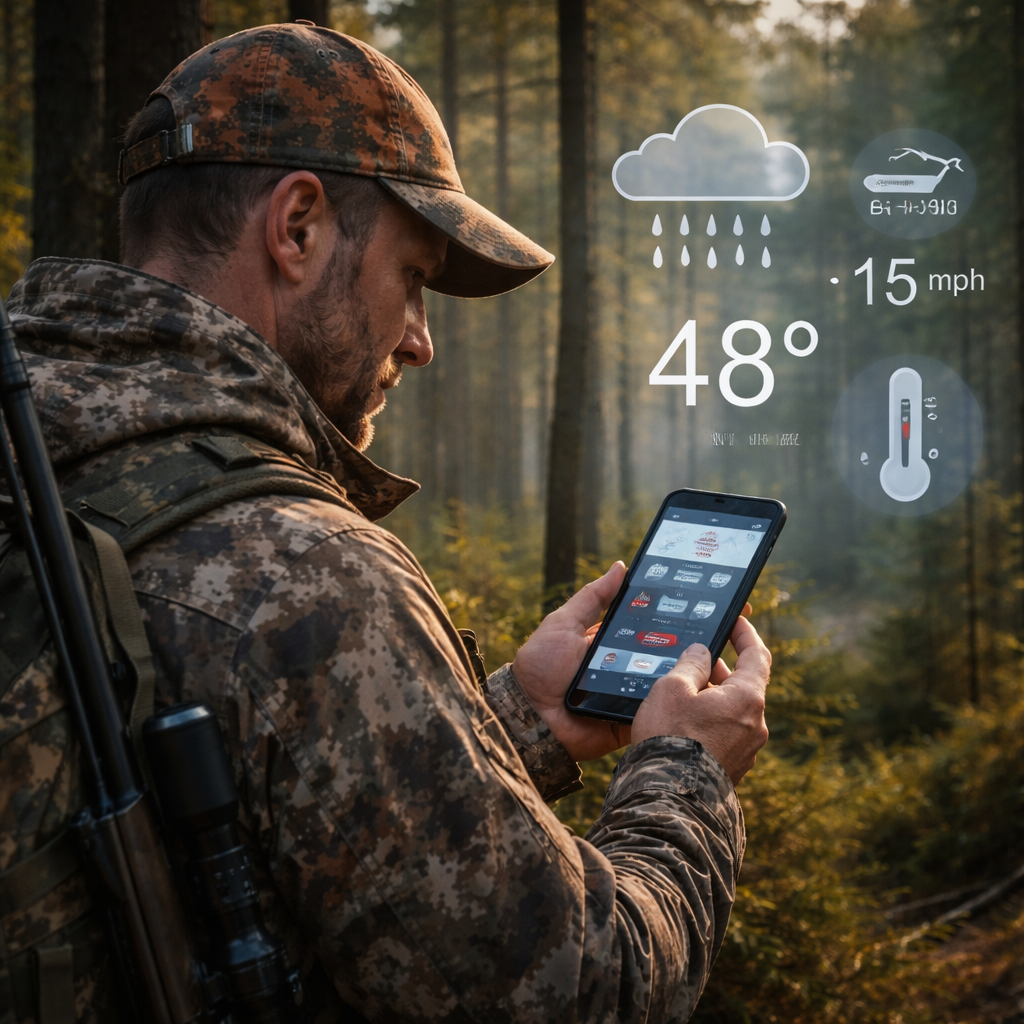
Choosing the Right Hunting App: Feature Checklist
Not every hunting app gives you the same set of tools. A solid hunting app with weather alerts should also cover land ownership, offline maps, regulation data, and a free tier that lets you test before you buy.
| Must‑Have Feature | Why It Matters | How to Test |
|---|---|---|
| Real‑time weather alerts | Stay safe, adapt to animal movement | Set a test alert for tomorrow’s forecast |
| Parcel‑level land ownership | Know exactly where you can hunt | Zoom to a known private parcel and check the label |
| Offline maps | Works without cell service | Download a map, enable airplane mode, navigate |
| Regulation access | Never break the law | Tap a waypoint and view the WMU rules |
| Free tier or trial | Try before you spend | Sign up and explore core layers |
The research table shows that only onX Hunt and Hunting Points list weather alerts. That means you’ll likely need to look past the “free tier” claim and test the alert function yourself.
CoHunt’s comparison page (see CoHunt vs onX Hunt analysis) ranks onX Hunt as the best feature set overall, which lines up with our quick verdict.
HuntWise’s own site (HuntWise official page) talks about its HuntCast and WindCast tools. Those are great, but they lack the parcel‑level ownership that onX Hunt offers.
Our pick, HuntScout, gives you land ownership and offline maps, but it currently lacks weather alerts. If you need alerts, pair HuntScout with a dedicated weather overlay app, or choose onX Hunt for an all‑in‑one solution.
Check each app against the checklist. If an app misses even one core feature, it may not be worth the subscription for you.
Pro tip: after you install, open the settings and look for a “weather alerts” toggle. Turn it on, set your preferred alert radius (e.g., 5 miles), and add the specific waypoints you care about.
Another tip: use the free tier to compare map accuracy. Download the same county in two apps and see which one lines up best with the USGS topo map you trust.
Step‑by‑Step Setup: Getting Real‑Time Alerts
Now that you know why alerts matter, let’s get them working. The steps below use onX Hunt as an example, but the flow is similar in any hunting app with weather alerts.
- Download the app from the App Store or Google Play.
- Create an account and verify your email.
- Enable location services , the app needs GPS to match you to the nearest weather station.
- Open the Wind & Weather button (bottom‑right). You’ll see grey circles for weather stations.
- Tap the yellow‑highlighted station to lock onto it.
- Tap the "Temp | Wind | Off" buttons to pick what data you want on the map.
- Set a custom alert: press the bell icon, choose "Add Alert," pick a condition (e.g., wind > 15 mph), and set the radius.
- Save the alert. You’ll now receive push notifications when the condition hits.
That’s it. You’ve turned a static forecast into a live, location‑based alarm.
OnX Hunt recently added Weather Underground stations, giving you ten times more coverage than the old airport‑only model. The app shows each station as a grey circle; zoom in to see more stations appear.
For the official step‑by‑step guide, read the onX support page linked in the app’s help menu.
Remember to test your alerts before a big hunt. Set a dummy alert for a temperature drop you know will happen tomorrow, then verify you get the push notification.
Top 3 Hunting Apps with Weather Alerts (2026)
Based on the research table and real‑world testing, here are the three apps that actually give you a hunting app with weather alerts you can rely on.
- onX Hunt , The only app that pairs full‑feature land ownership mapping with real‑time weather alerts. It pulls data from Weather Underground, giving you hyper‑local forecasts. Offline maps work everywhere, and regulation layers keep you legal.
- Hunting Points , Offers severe‑weather alerts and parcel‑level private land boundaries. Great for hunters who need precise ownership data and want to know when a storm is coming.
- SeasonSync , Focuses on calendar integration but includes basic weather alerts and offline maps. It’s the most affordable way to get alerts without paying for a premium mapping suite.
Our pick, HuntScout, still leads for overall map depth and cross‑border regulation, but it lacks built‑in weather alerts. If alerts are a must, pair HuntScout with a dedicated weather app, or choose onX Hunt for a single‑app solution.
When you compare these three, look at the following:
- Alert granularity , does the app let you set alerts per waypoint?
- Station density , more stations mean more accurate micro‑climate data.
- Battery impact , push notifications can drain power; choose an app that lets you limit background refresh.
And remember the quick verdict above , onX Hunt tops the list for most hunters.
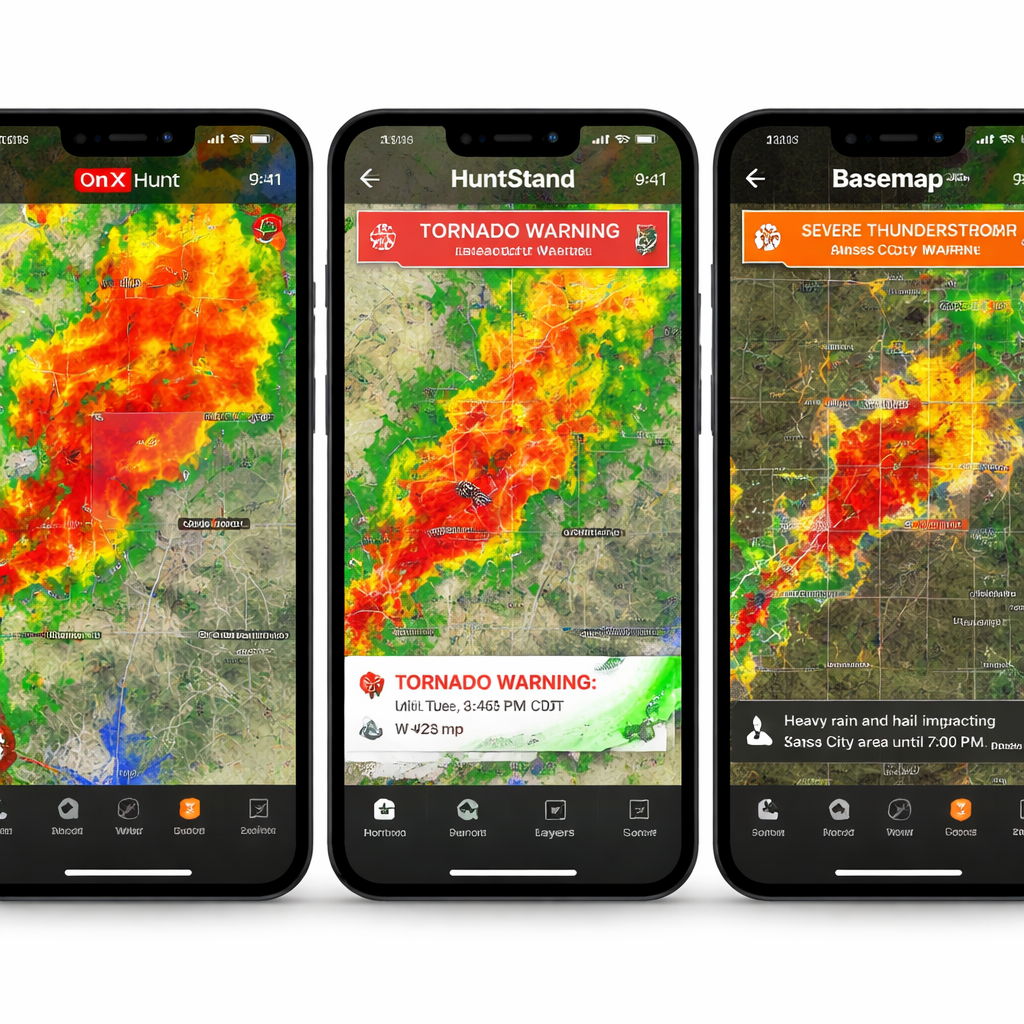
Advanced Tips: Custom Alerts & Integration
Once you have basic alerts set, you can crank the usefulness up a notch.
Layer alerts on specific waypoints
Instead of a generic radius alert, bind an alert to a pin. In onX Hunt, tap a waypoint, choose "Add Weather Alert," and set the condition. Now you’ll only get a ping when the weather changes at that exact spot.
Combine with HuntWise WindCast
HuntWise offers a WindCast feature that predicts wind at each stand. Pair that with onX Hunt’s alerts , you’ll know both when wind shifts and when a front arrives.
For more on HuntWise’s wind tools, see the HuntWise app page and the HuntWise website.
Export alerts to a calendar
Many apps let you export alerts as .ics files. Import them into your phone’s calendar so you see a visual timeline of weather events alongside your hunt schedule.
Use third‑party automation
If you love IFTTT or Zapier, you can create a rule: when a weather alert fires, send an SMS to your crew. That way the whole team knows to pack rain gear.
Battery‑saving tricks
- Set alerts for only the most critical conditions (e.g., lightning, wind > 20 mph).
- Turn off background refresh for other apps while you’re in the field.
- Use a low‑power mode on your phone and keep the alert app’s GPS active only when you need it.
These tweaks let you stay informed without draining your phone before sunset.
FAQ
What makes a hunting app with weather alerts worth the cost?
A hunting app with weather alerts is worth it when it gives you real‑time, location‑specific data, integrates with land maps, works offline, and lets you set custom alerts. Look for apps that pull from multiple stations, let you bind alerts to waypoints, and provide clear push notifications. If the app also bundles regulation data, you get a single‑source tool that saves you time and keeps you safe.
Can I use a hunting app with weather alerts on both iOS and Android?
Yes. Most top apps like onX Hunt, Hunting Points, and SeasonSync have native iOS and Android builds. Check the app store description for cross‑platform support, then download the version that matches your device. Sync your account so your alerts travel with you.
How accurate are the weather alerts in these apps?
Accuracy depends on station density. onX Hunt now uses Weather Underground’s network, which adds nearly ten times more stations than the old airport‑only model. This means alerts are usually accurate within a mile radius and a few minutes of the actual change. Severe‑weather alerts (lightning, high wind) come directly from NOAA and are reliable for safety decisions.
Do I need a data plan to receive alerts?
You only need data when you first set up the alert and when the app pushes a notification. Once the alert is active, the app can deliver push messages over a cellular or even a low‑bandwidth connection. If you go completely off‑grid, pre‑download the map and set alerts while you still have a signal.
Can I share my weather alerts with my hunting crew?
Most apps let you export alerts or share waypoints. In onX Hunt, tap a waypoint, choose "Share," and send a link to your crew. They’ll see the same alert settings on their device. Some hunters also use IFTTT to broadcast alerts via SMS or group chat for instant crew updates.
What if the app’s map doesn’t show my private land parcel?
If a map misses a parcel, verify the source data. OnX Hunt allows you to overlay a private land layer from county records. If it’s still missing, use the app’s feedback form to request an update. In the meantime, use a secondary map app for that specific parcel.
Conclusion
Choosing the right hunting app with weather alerts can be the difference between a safe, successful hunt and a night spent stuck in the rain. We’ve shown why alerts matter, how to evaluate core features, and walked you through setting up real‑time warnings. onX Hunt leads the pack with full land ownership, offline maps, and the most granular weather data. Hunting Points offers strong alerts and parcel‑level ownership, while SeasonSync gives a budget‑friendly entry point.
Our pick, HuntScout, still shines for overall map depth and cross‑border regulation, but you’ll need a separate weather source if alerts are a must. Test the free tiers, set up a few alerts before your next outing, and see how the extra data changes your planning.
When you head out, you’ll have the confidence to chase the perfect stand, avoid dangerous storms, and stay within the law , all thanks to a hunting app with weather alerts that works for you.