Hunting in New Brunswick means you'll be dealing with a lot of Crown land. In fact, roughly 48% of the province is public land, which is fantastic news for hunters chasing moose, deer, or bear. But before you head out, you need a solid map.
Knowing how to find and read a proper New Brunswick Crown land map is the first, most critical step to any successful hunt. It’s not just about finding a good spot; it’s about making sure you’re hunting legally and ethically.
Where to Start: Finding the Right Maps
The New Brunswick backcountry is a massive patchwork of private property and publicly owned Crown land. You can't just wander anywhere. Some Crown parcels are leased for logging, others have conservation restrictions, and you definitely don't want to accidentally end up on someone's private woodlot.
This is why a reliable map is your best friend. It takes the guesswork out of figuring out where you can and can't be.
Public vs. Private: Why It Matters
That 48% figure—which adds up to about 3.8 million hectares—is a staggering amount of land. It’s a hunter’s dream, but it also means you have a responsibility to know the boundaries. A good map helps you visualize where the Crown land starts and stops, so you can focus your scouting efforts on legitimate ground.
If you're curious about the history behind these public lands, the Library and Archives Canada has some interesting background information.
Your Go-To Mapping Tools
When it comes to getting your hands on a Crown land map for New Brunswick, you've got two main choices: the official government source or a dedicated hunting app.
- GeoNB Viewer: This is the province's official online map viewer. It's the source of truth for property lines and land status. It's powerful but can feel a bit clunky until you get used to it.
- Specialized Hunting Apps: Tools like HuntScout are built from the ground up for hunters. They pull in that same official Crown land data but package it with other essentials like Wildlife Management Unit (WMU) boundaries, satellite imagery, and—most importantly—offline access.
Here's a look at the official GeoNB viewer. It's the raw data source for many other tools and shows just how detailed the information can get.
You can see how you can toggle different map layers on and off to get a full picture. Getting comfortable with one of these tools is the key to planning your next trip with confidence.
Choosing Your New Brunswick Mapping Tool
Deciding between the official government viewer and a specialized app really comes down to what you need in the field. The GeoNB site is fantastic for double-checking official boundaries from your computer, but hunting apps are built for on-the-ground navigation.
Here's a quick comparison to help you choose.
| Feature | GeoNB Viewer | HuntScout App |
|---|---|---|
| Primary Use | Official property & land status verification | Field navigation & hunt planning |
| Offline Access | No, requires an internet connection | Yes, save maps for use without cell service |
| WMU Boundaries | Available as a separate layer | Fully integrated & easy to toggle |
| GPS Tracking | Basic location viewing | Real-time GPS tracking & waypoint saving |
| User Interface | Technical, data-focused | Intuitive, designed for mobile use |
| Additional Features | Land grants, PID lookups | Satellite imagery, topo lines, private land info |
Ultimately, many seasoned hunters use both. They'll do their initial deep-dive research on the GeoNB viewer at home and then rely on an app like HuntScout once their boots are on the ground.
Getting Your Bearings with the Official GeoNB Map Viewer
Alright, let's get our hands dirty. The first real step to finding your next hunting spot is to get comfortable with the official GeoNB viewer. At first glance, it can feel a bit overwhelming, but think of it as the ultimate source of truth for every property line in New Brunswick. Once you get the hang of it, you’ll be able to plan your hunts with absolute confidence, knowing your information is bang on.
The main tool you’ll be working with is the Crown Land Grant Reference Map. The easiest way to find it is to search for "GeoNB map viewers" and pick it from the list. When it loads up, you'll see a detailed map of the entire province, ready for you to dive in.
This whole process of digital scouting can feel complex, but it really boils down to a few key phases.
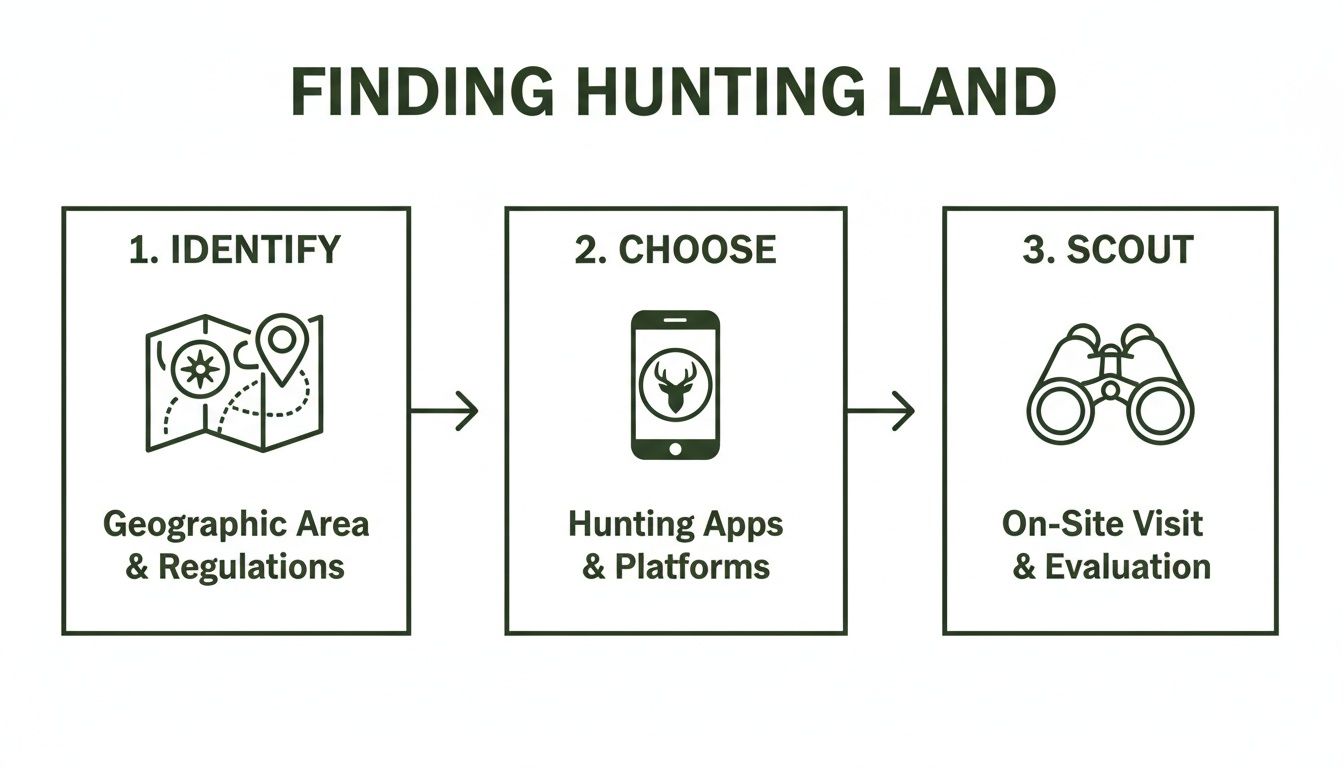
The GeoNB viewer is where that first "Identify" step happens. It’s the foundation you build the rest of your hunt on.
Finding and Identifying Crown Land Parcels
First thing’s first: you need to find your general area of interest. You can do this the old-fashioned way by just panning and zooming around the map, or you can use the search bar to jump to a specific place, like a lake or river you know. As you get closer, you'll notice the map fill up with countless coloured shapes, each one representing a different piece of land.
Here’s the trick: you need to learn what those colours mean. As a general rule of thumb, the uncoloured or white areas inside the grid are Crown land. The coloured parcels? Those are almost always private land or specific types of leases.
My Two Cents: Don't guess. The map legend is your best friend here. The viewer has dozens of different information "layers," and the legend is the decoder ring that tells you what every colour, line, and symbol actually means. It's how you'll distinguish between granted private land, leased land, and the provincially-owned public land we're after.
Let's walk through a quick example. Say you want to hunt somewhere near the Tobique River. You'd pop "Tobique River" into the search, zoom into a section that looks promising and isn't right next to a town, and start looking at the parcels. Your eyes should be scanning for those big, uncoloured chunks of land, especially any that touch the river or have decent access. Those are your prime candidates.
Turning On the Most Useful Map Layers
The basic map view is a good start, but the real magic happens when you start turning on the different data layers. Look for a button that says "Map Layers" or something similar. Clicking it will open a menu of all the different information you can overlay on the map.
For any hunter, a few of these layers are absolute game-changers:
- Satellite Imagery: This is a must. Toggling it on switches you from a simple line drawing to a real-world photo of the ground. Suddenly you can see the difference between thick forest, a fresh clear-cut, a swamp, and old logging roads that don't show up anywhere else.
- Topographic Contours: This adds elevation lines to the map. Now you can see the lay of the land—the steep ridges, the deep valleys, and the natural funnels that deer and moose love to travel along.
- Roads and Trails: Flipping this on will show you potential access points. It often includes not just public roads but also logging tracks and ATV trails that can get you much deeper into a block of Crown land.
The online Crown Land Grant Reference Map is an incredibly powerful tool. It lets you zoom right into specific subdivisions and see lot-specific grants that go all the way back to 1784 and up to 1997. This isn't just trivia; this historical data is cross-referenced with the Provincial Archives' RS686 database. It gives you an amazing level of detail for "e-scouting" before you ever set foot in the woods. It's the perfect way to research a spot before you save waypoints in an app like HuntScout for offline use. If you really want to go down the rabbit hole, you can find more information on the historical grant map from various community resources.
Adding WMUs and Seasons for Precision Hunt Planning
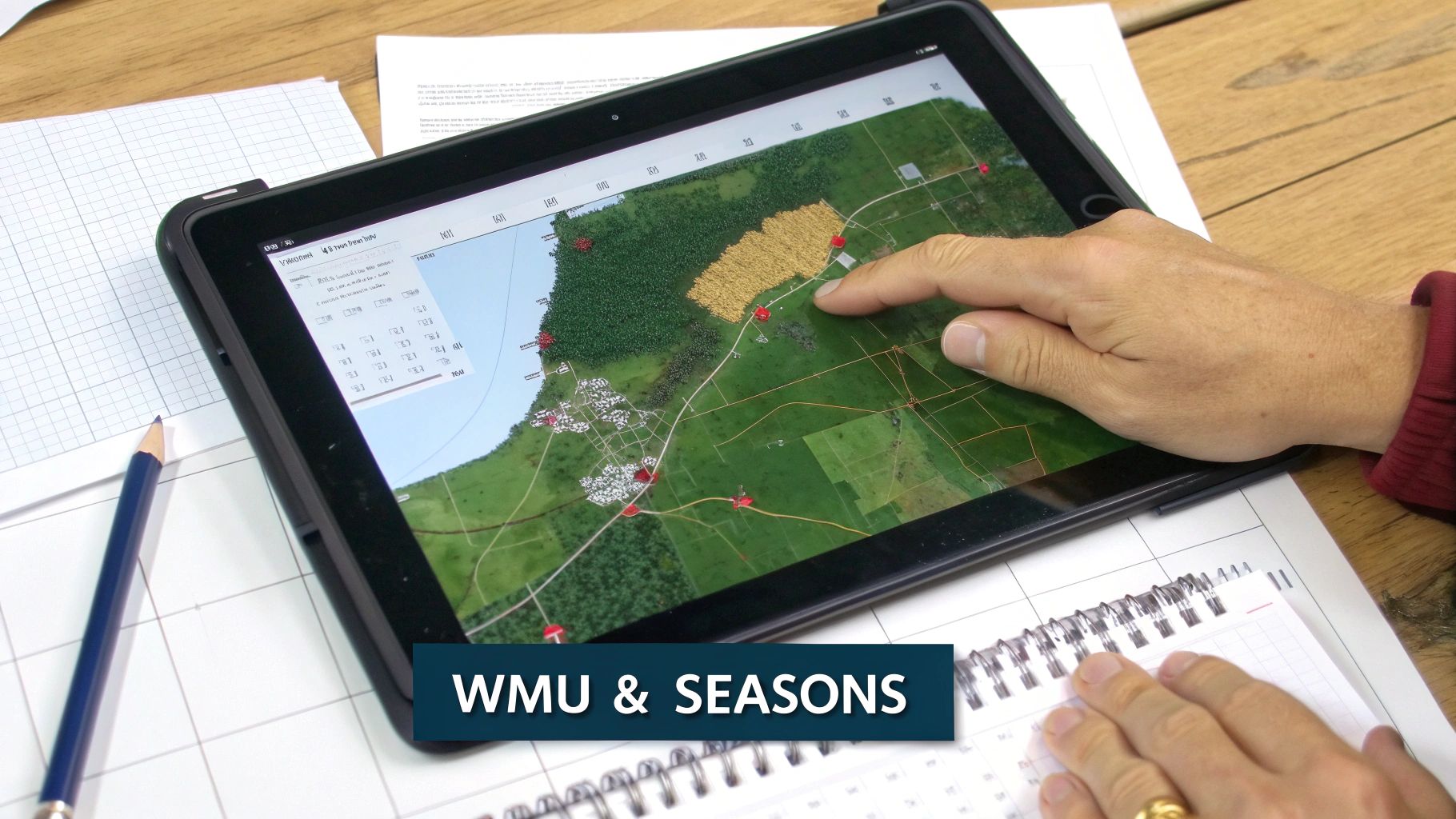
Finding a great piece of Crown land is a huge win, but that's just the starting point. A good map shows you where you can go, but a solid hunt plan tells you when you can be there and what you can legally hunt. This is where Wildlife Management Units (WMUs) are absolutely critical. They form the backbone of all hunting regulations in New Brunswick.
Every single rule—from the opening day for moose to antlerless deer tag allocations—is tied to a specific WMU. You can think of them as big regulatory zones laid over the landscape. Unknowingly stepping from one WMU into another can turn a legal hunt into a very expensive mistake.
Your crown land map new brunswick is essentially incomplete without this crucial data layered on top. Knowing you’re on public land is only half the battle; you also have to know which of the province's 27 different WMUs you're standing in at any given moment.
Overlaying WMU Boundaries on Your Map
Figuring out the WMU boundaries isn't too tough. The official New Brunswick hunting and trapping summary includes a provincial map, and the GeoNB map viewer has a WMU layer you can turn on. The real challenge comes when you're in the field, trying to toggle between different browser tabs or paper maps just to confirm your position. It's clumsy and inefficient.
This is exactly where a specialized hunting app like HuntScout proves its worth. It integrates the WMU boundaries directly onto the satellite and topographic maps. You can see the Crown land, the ridges, the swamps, and the exact WMU line all in one clean view. A simple tap on the screen tells you precisely which zone you're in, completely eliminating the guesswork.
Let’s say you’re scouting a promising moose spot that sits right on the border of WMU 11 and WMU 12. Those two zones often have different season dates. With an integrated map, you can drop a waypoint directly on that boundary line to make sure you stay on the right side when opening day arrives.
A mistake I see all the time is hunters assuming a big block of Crown land falls neatly within one WMU. Boundaries often follow rivers or old logging roads that can cut a public parcel right in two. You have to verify your exact spot, not just the general area.
Cross-Referencing Seasons and Regulations
Once you’ve locked in your target Crown land and know its WMU, the last piece of the puzzle is matching it up with the official hunting seasons. The annual hunting regulation summary is the only document you should trust for this—it’s the final word.
To make sure you're always on the right side of the law, a simple checklist can be a lifesaver. Before every hunt, I run through these key points to avoid any surprises.
Your New Brunswick WMU Checklist
| Checklist Item | Why It's Critical | How to Verify |
|---|---|---|
| Confirm My WMU | Seasons, bag limits, and weapon rules change from one WMU to the next. | Use a mapping app with a WMU layer to tap your exact location and get an instant confirmation. |
| Verify Season Dates | Hunting even one day early or late can result in fines and loss of privileges. | Cross-reference the WMU number with the most current official NB Hunting & Trapping Summary. |
| Check Species-Specific Rules | Is it an antlered-only season? Are antlerless tags available for this WMU? | The regulation summary will have a specific section for each species (e.g., Moose, Deer) broken down by WMU. |
| Note Any Local Restrictions | Some areas, even on Crown land, may have access restrictions or no-shooting zones near camps or industry. | Look for signage on the ground and check for "Restricted Areas" in the regulations booklet. |
This simple process transforms your map from a basic navigational aid into a powerful tool for planning a successful—and fully legal—hunt.
If you’re interested in seeing how these zone systems work in other parts of the country, our guide on the Ontario WMU map offers some great insights that apply to hunters all across Canada.
Taking Your Digital Maps into the Field
All the time you spend scouting on your computer is useless if you can't access that info when you're miles from the nearest cell tower. This is where the rubber meets the road—turning your digital planning into practical, on-the-ground navigation. Your detailed crown land map new brunswick is about to become your best friend.
The first, most crucial step is making your maps available offline. It doesn't matter if you're using a dedicated GPS or a hunting app on your smartphone; you have to download the map layers for your hunting area before you leave home. This isn't just for convenience—it's a basic safety measure for anyone heading into the backcountry.
Pinpoint Your Strategy with Waypoints
With your maps saved and ready to go offline, the real fun begins. I have a system for dropping waypoints before and during any hunt, which builds a personalized database of spots that shape my entire strategy.
Of course, you should always mark where you parked the truck. That's a given. But don't stop there. I make sure to drop pins for other high-value locations:
- Glassing Knobs: Any high point offering a good vantage point gets a pin. This lets me find it again easily in the pre-dawn dark or approach it from a different angle later.
- Fresh Sign: A heavily-used trail, a fresh scrape, or a concentration of tracks all get marked. Over time, these pins paint a clear picture of how game moves through the area.
- Water Sources: Seeps, small creeks, or ponds that might not even show up on the base map are critical finds, especially in a dry season. Pin them.
- Stand Locations: If I stumble upon a perfect natural funnel or a pinch point between a bedding and feeding area, I mark it immediately. This way, I can come back later to set up a stand without second-guessing the spot.
Here’s my rule: if a spot makes me pause and think, "Hmm, this is interesting," it gets a waypoint. By the end of the season, your map is no longer just a map; it's a living journal of your hunting grounds.
Track Your Path for Safety and Smarter Hunting
Beyond dropping static pins, the live GPS tracking feature on most apps and devices is a true game-changer, especially for safety. By turning on the "breadcrumb" feature, you're creating a digital trail of your exact route through the woods.
This visible line on your map gives you a foolproof way to backtrack, which is invaluable if you get turned around in the dark or in thick, unfamiliar terrain.
I find this incredibly helpful when I'm on the trail of an animal or decide to explore a new ridge system on a whim. You can push forward with confidence, knowing that digital thread is always there to lead you back to where you started. It takes the stress out of navigation and lets you focus completely on the hunt.
What the Map Shows vs. What You’ll Find on the Ground
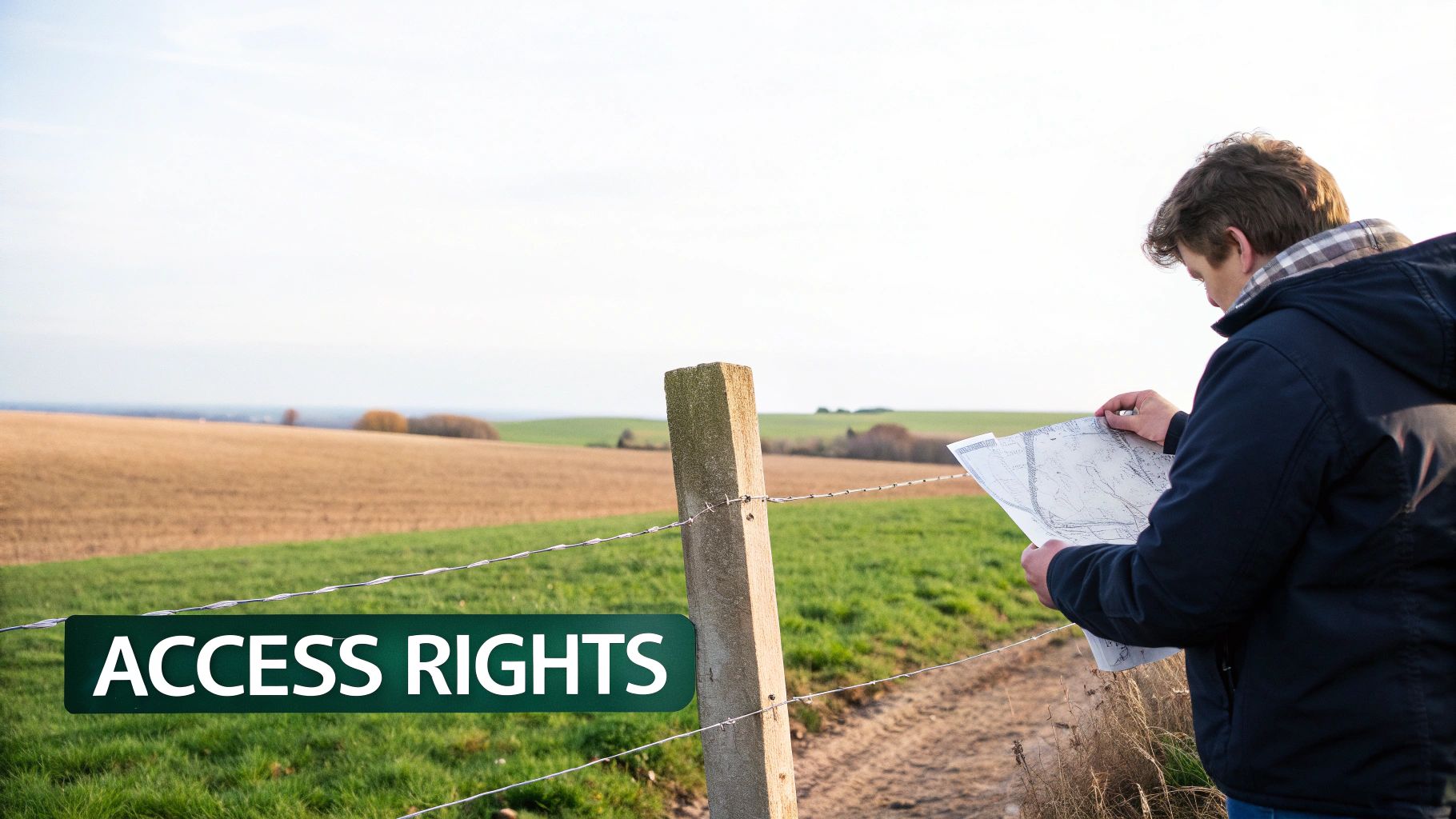
It’s a classic scenario: your crown land map new brunswick shows a perfect block of public land, but when you get there, the reality is a lot more complicated. This is where New Brunswick’s deep and often tangled history of land ownership really comes into play. You’ll frequently run into parcels that are technically Crown land but are leased out for specific uses, like timber harvesting or agriculture.
These leases are often the biggest source of confusion for hunters trying to figure out access. A logging company might have an active cut block with heavy machinery running, and their temporary roads will be off-limits to you for very real safety reasons. In other cases, Crown parcels are leased for farming or grazing, which means you can't just wander in and hunt without getting the leaseholder's permission first.
Why Is It So Complicated? A Little History
The roots of this patchwork ownership go back centuries. New Brunswick was settled through a system of land grants awarded to settlers, loyalists, and soldiers. The sheer volume of these historical claims is staggering and directly shapes the property lines we see today.
The Index to New Brunswick Land Grants (1784-1997) shows just how foundational these grants were. In the early 1800s, things really took off—over 5,000 grants were handed out between 1785 and 1830 alone. This isn't just dusty history; this old data is now baked into modern digital tools like the ArcGIS Crown Grant Reference Map, which overlays centuries-old property records with today’s land status. If you’re curious, you can dig into the historical land and property records yourself to see just how deep it goes.
What does this mean for you? It means private land often weaves in and out of Crown parcels, creating a frustrating mosaic. That huge chunk of public land on your map might be completely surrounded by private property, making it "landlocked" with no legal public road to get in. Always, always trace your entry and exit points on the map before you even think about putting your boots on the ground.
Boots-on-the-Ground Rule: A digital map is your starting point, not the final word. The signs you see in the field—gates, fences, and posters—are the ultimate authority on access. Always respect what you see in front of you.
Reading the Real-World Signs
When you pull up to your spot, the first thing you should do is a visual sweep for physical clues. These signs give you the most current information, trumping what any app or map might say. Ignoring them is the quickest way to turn a good hunt into a bad day with trespassing charges.
Be on high alert for these common indicators:
- "No Trespassing" Signs: There's no grey area here. Even if your map says Crown land is just a few metres away, this sign marks the clear edge of private property.
- Company Signage: Seeing a sign from a forestry company like J.D. Irving is a dead giveaway you're at the boundary of a lease or an active operation.
- Gates and Fences: A closed gate (locked or not) or a fence line is a universal signal for a property boundary or a controlled access point. Don't cross it unless you have explicit permission.
Getting a handle on these details is a huge part of being a responsible, ethical hunter. It not only keeps you on the right side of the law but also helps maintain a good relationship between the hunting community and landowners across the province. For a different take on navigating public lands, you might find our guide on finding Crown land in Manitoba helpful.
Common Questions About New Brunswick Crown Land Maps
Even with the best digital maps at your fingertips, a few common questions always seem to pop up when you're poring over New Brunswick's Crown land. It's no surprise—the province is a real patchwork of old land grants, modern leases, and huge public areas.
Let's clear up some of the most frequent points of confusion I hear from other hunters so you can head out with confidence.
What If Crown Land Appears Landlocked?
This one's a classic headache. You spot a beautiful, remote piece of Crown land, but a closer look reveals it's completely boxed in by private property. It’s a frustratingly common sight in New Brunswick, thanks to how land was settled and granted over the centuries.
The law is crystal clear: you cannot cross private property to access Crown land without getting the landowner's direct permission first. No exceptions.
So, what are your moves?
- Ask for Permission: This is your best first step. Use property data layers to figure out who owns the surrounding parcels and reach out. A polite, respectful request can sometimes open a gate for you.
- Look for Water Access: Pull back on the map and scan for a different way in. A navigable river or a lake that touches the edge of that Crown parcel could be your ticket.
- Find a New Spot: Honestly, sometimes the path of least resistance is the smartest one. The time and effort spent trying to get access might be better used finding another Crown block that has clear, easy public entry.
Leased Crown Land Versus General-Use Crown Land
Here’s another critical distinction: not all Crown land is the same. While the government owns it all, some parcels are leased to private companies for things like forestry or agriculture. Your map might not always scream, "This is a lease!"
A general-use Crown parcel is what most of us think of—it’s open for public recreation like hunting, fishing, and hiking, as long as you play by the rules. Leased land is a different story.
If there’s an active logging operation, the company can, and often will, restrict public access for safety. An agricultural lease might give a farmer exclusive rights to that land. The best advice is to trust the signs on the ground. Company posters, "No Trespassing," or "Active Operations" signs are your most up-to-date source of information and should always be obeyed.
Never assume an open gate or an old logging road is a green light. If a piece of Crown land is under an active industrial lease, your right to be there for hunting can be temporarily revoked. When in doubt, always play it safe.
Getting a better handle on the big picture can really help. For a deeper dive, check out our guide on what Crown land is in Canada.
Planning your next hunt is about more than just finding a good spot—it's about having total confidence in your maps and data. HuntScout delivers that confidence with detailed Crown land maps, built-in WMU boundaries, and offline GPS tracking, all designed for the Canadian hunter.
Stop guessing and start scouting with precision. Download HuntScout on the App Store and see the difference for yourself: https://huntscout.app.